
Sticker mockup generator for your sticker shop
Mockraft is a web-based bulk mockup generator for print-on-demand sellers. It renders every design across every scene in one batch, with no credits and a flat monthly price.
Try a sticker mockup preview
Upload one design or pick a sample, choose a scene, and get a watermarked 512 px preview in a few seconds. No account needed.
Or try a sample design:
Sample renders: 3 designs x 3 scenes
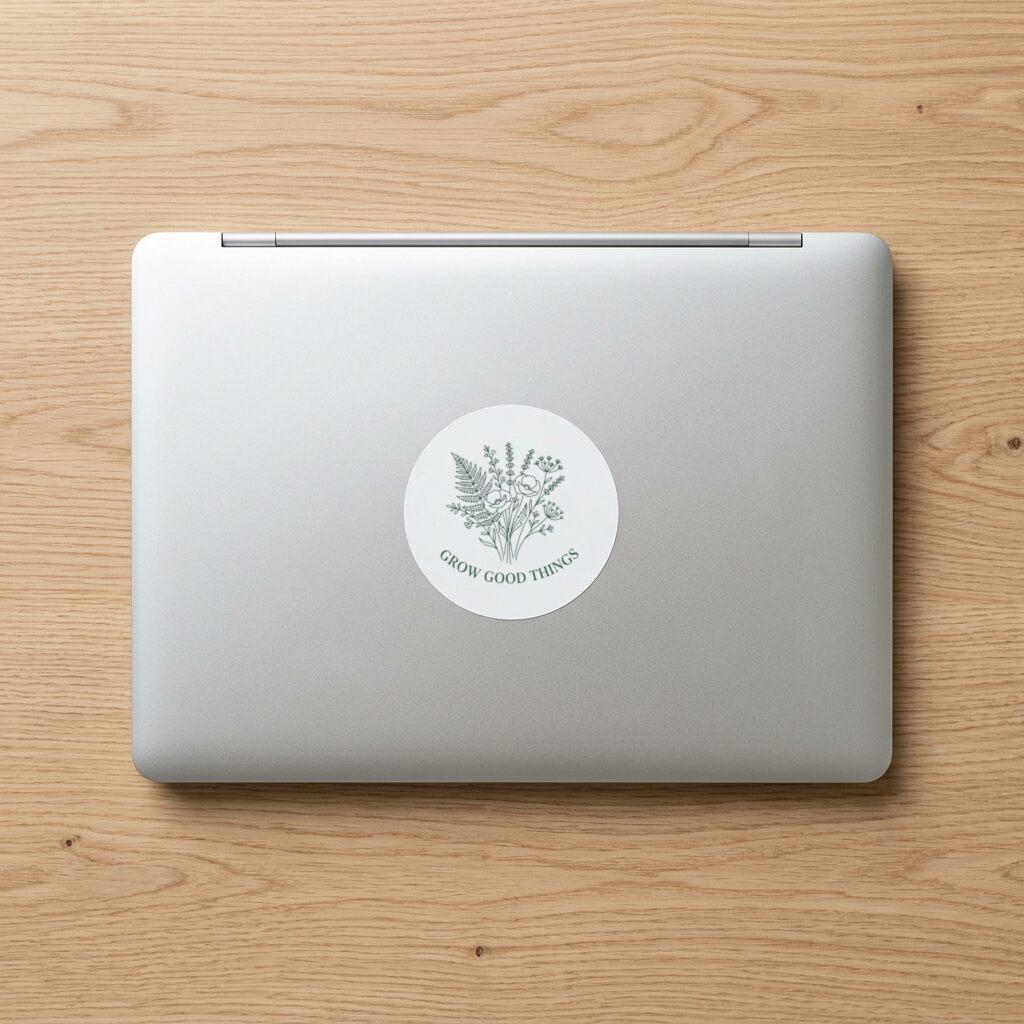
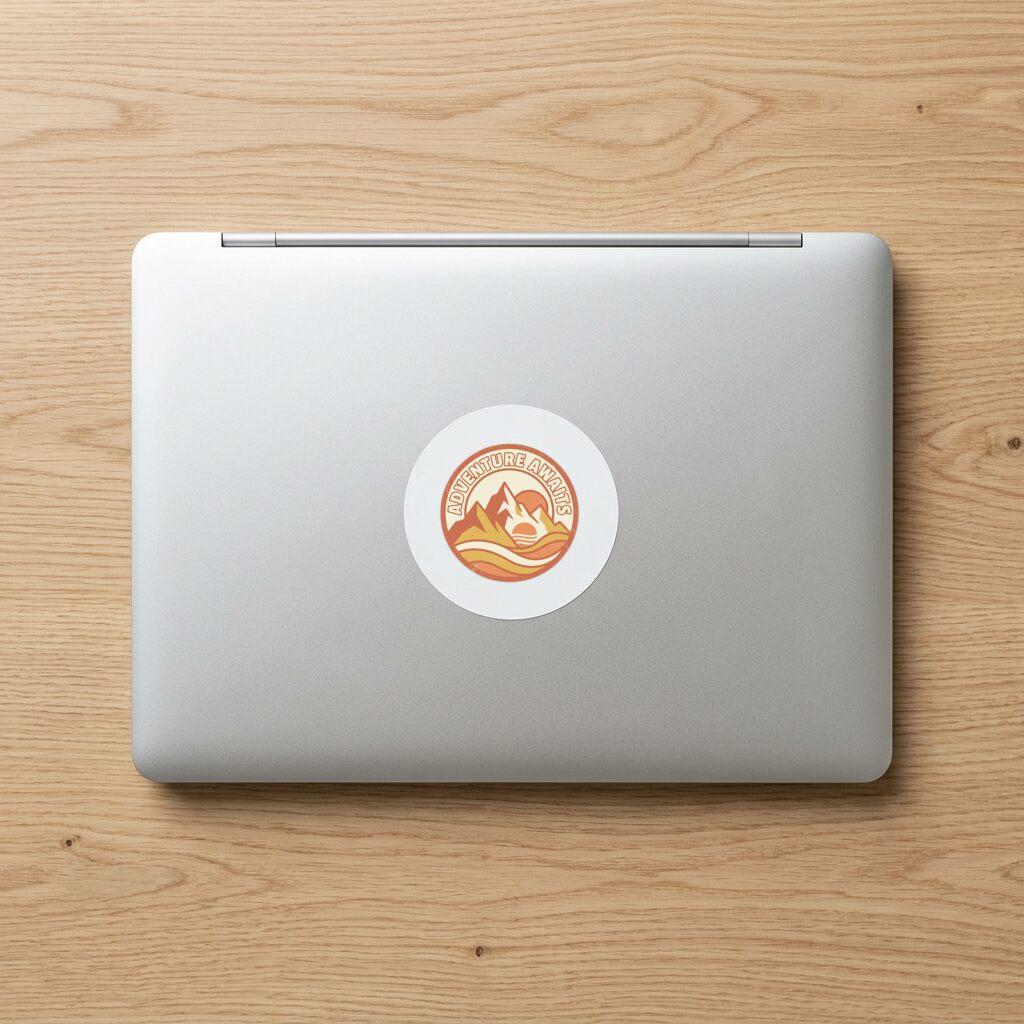
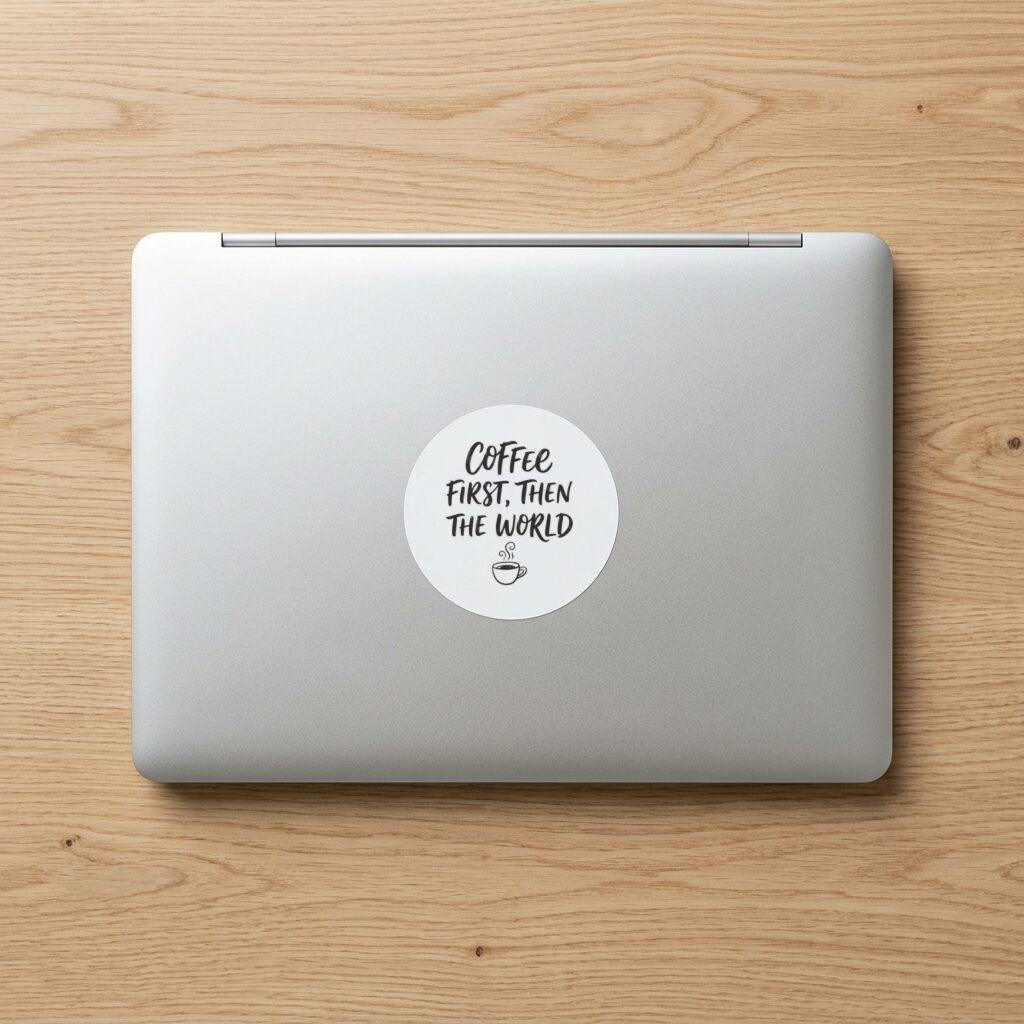
Die-Cut Sticker — Laptop
Die-Cut Sticker — Flat Lay
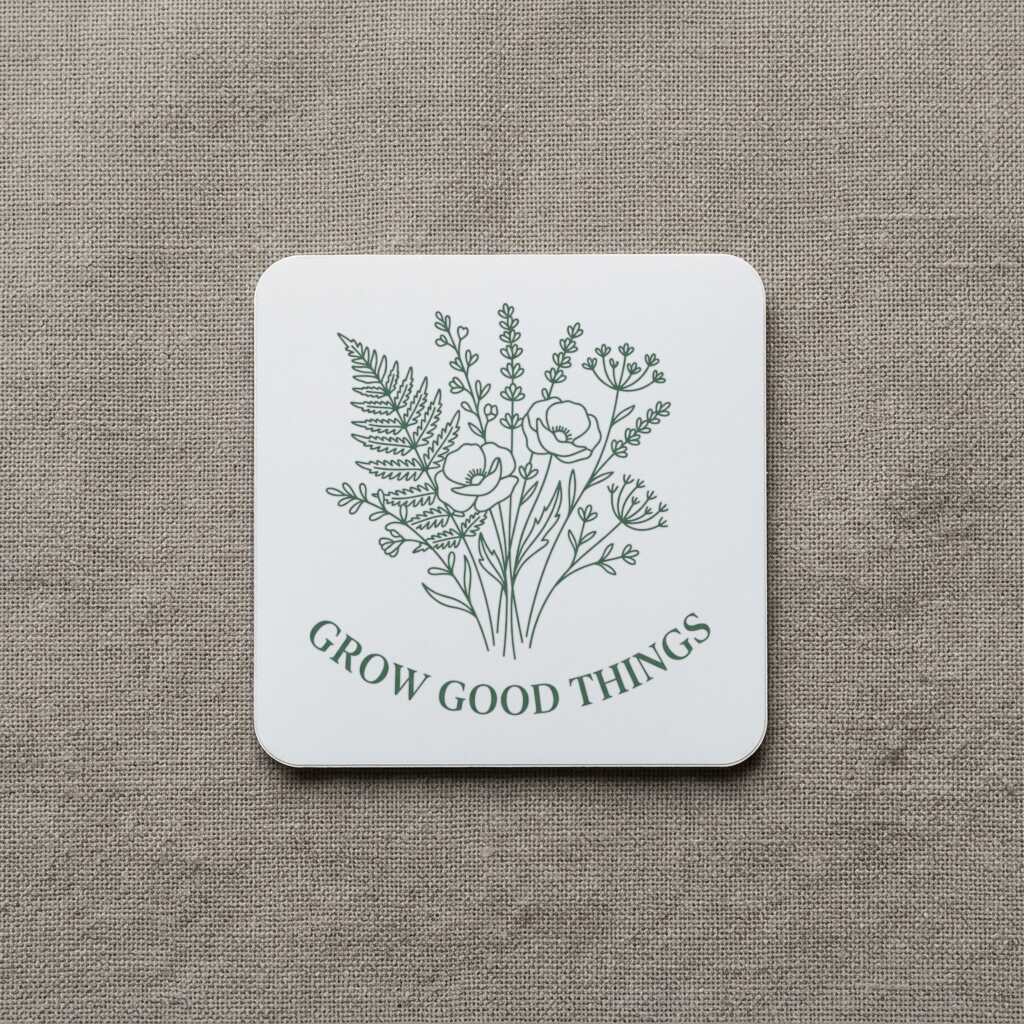
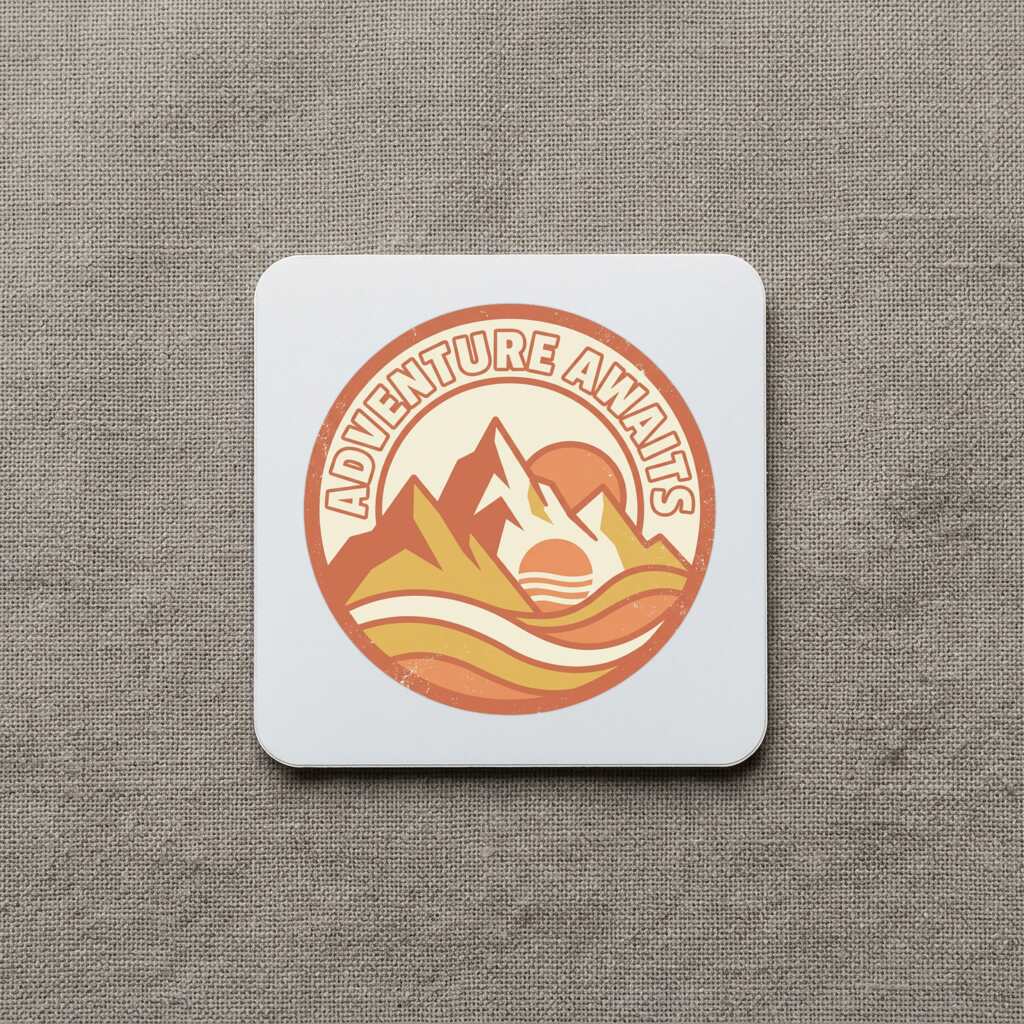
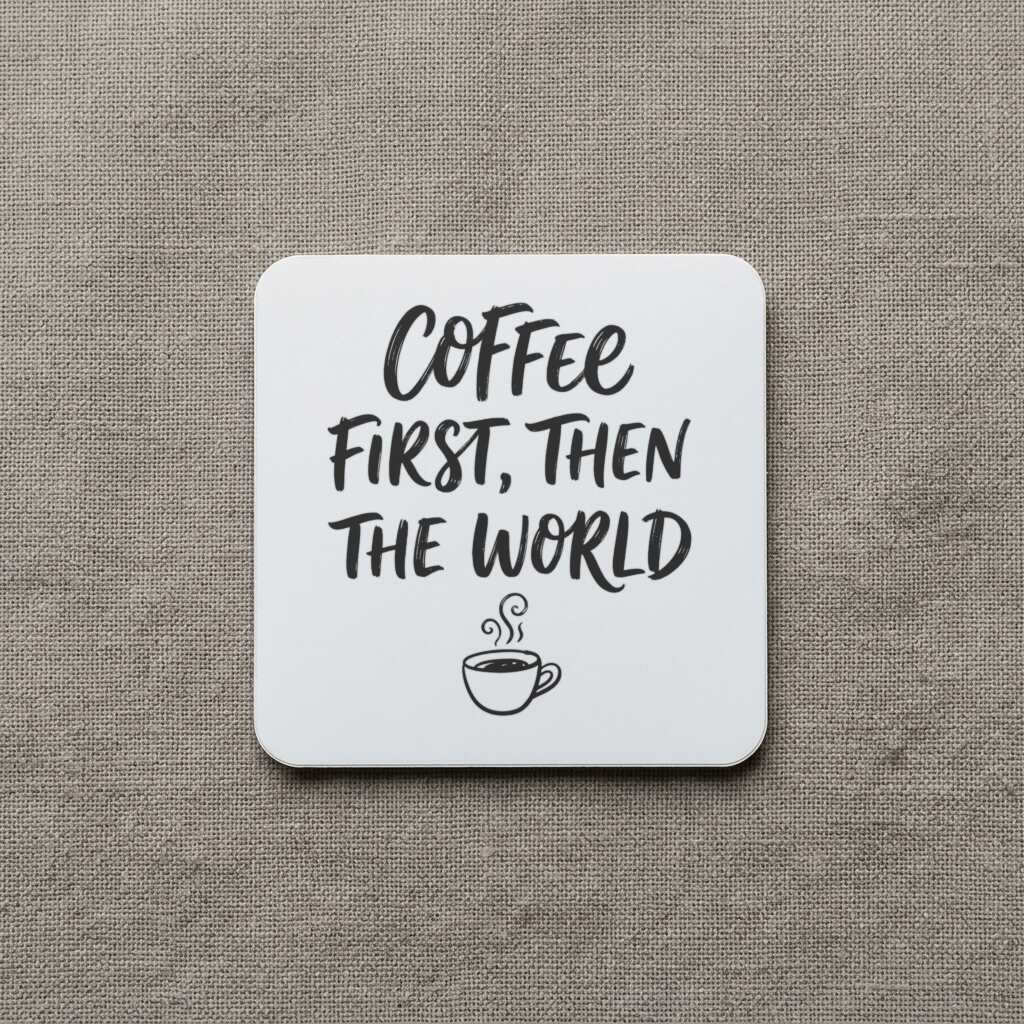
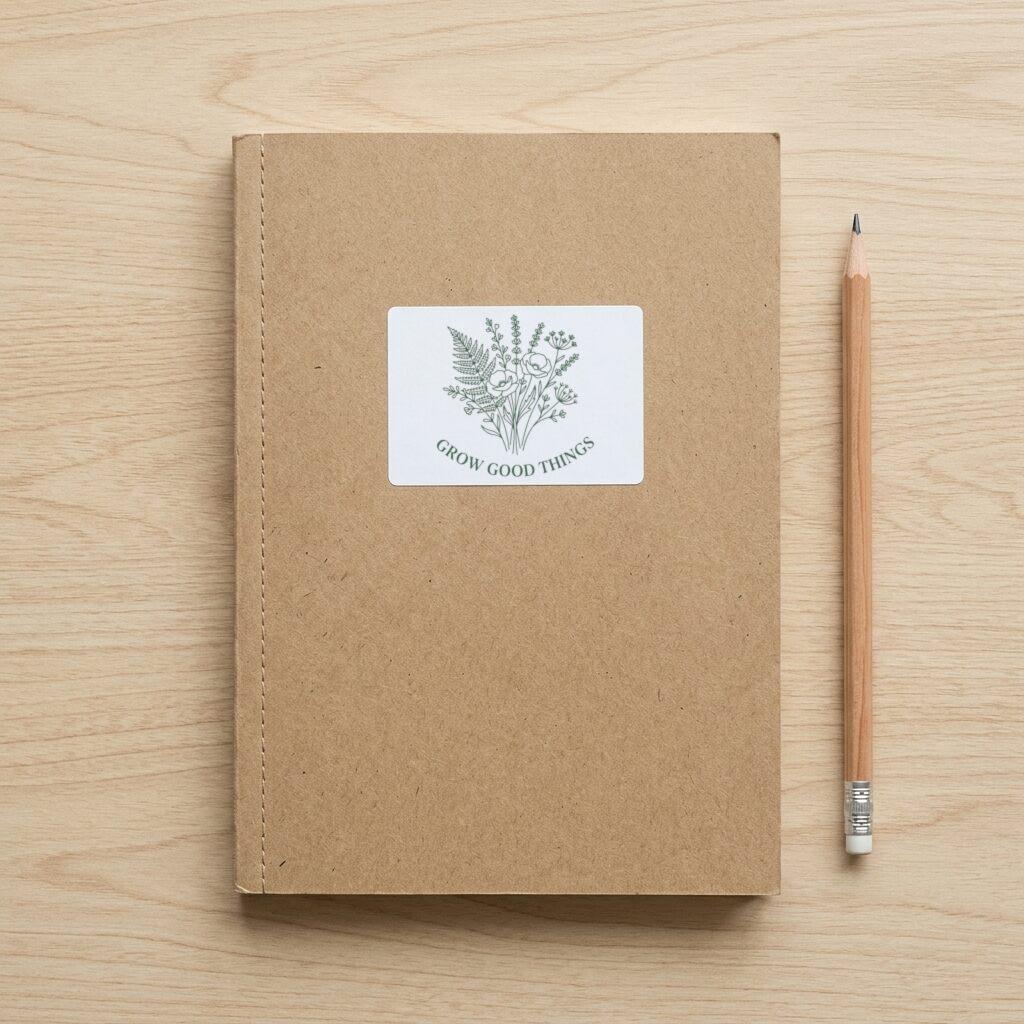
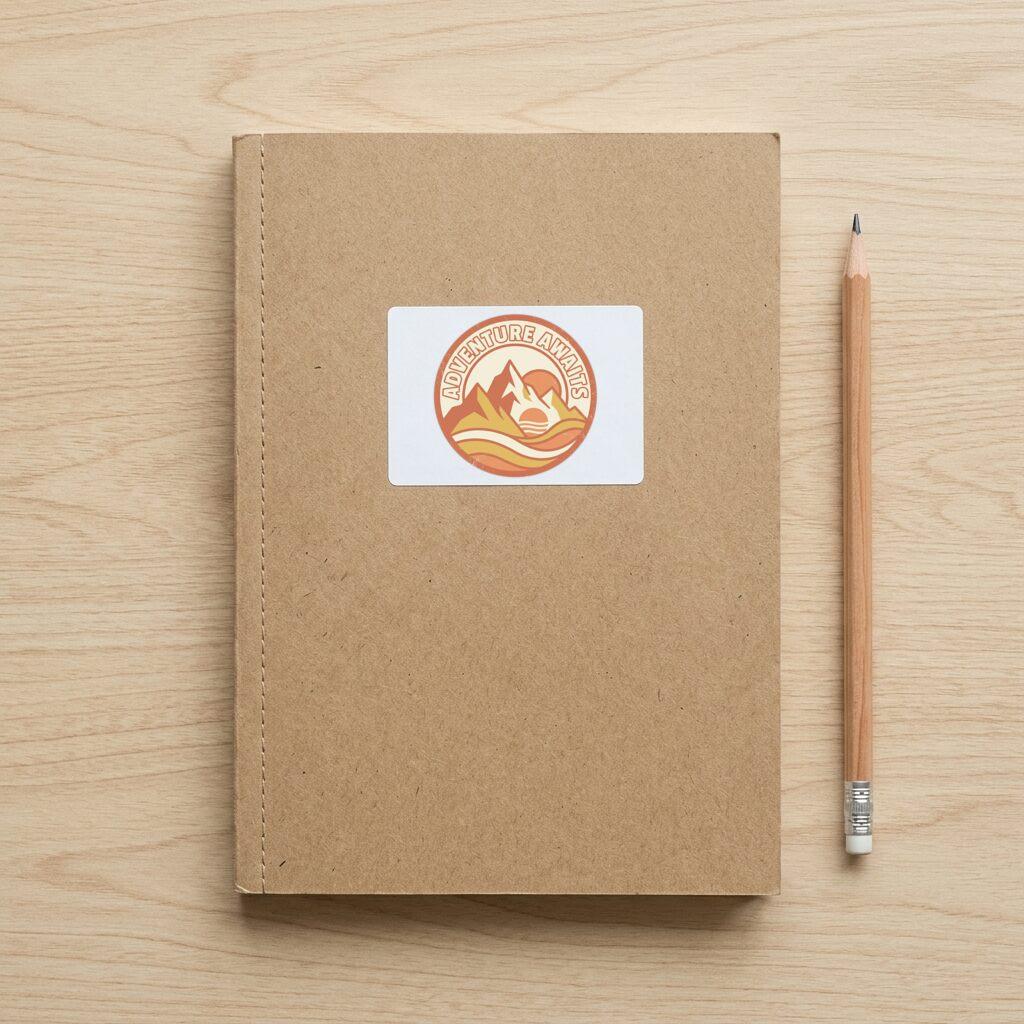
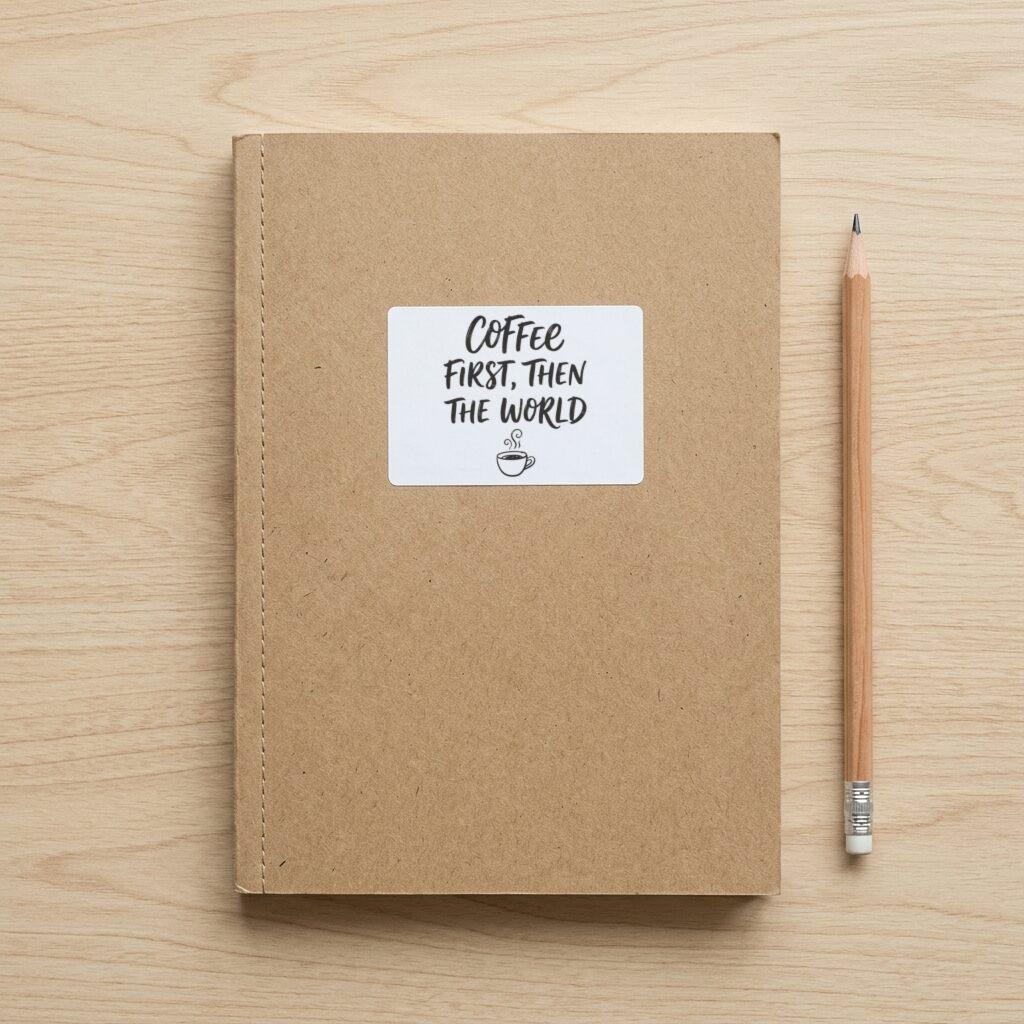
Sticker — Journal Cover
Sample designs are included with every account — try them before uploading your own.
What a sticker listing photo has to show
A sticker is small, so the listing photo carries a lot of the decision. Buyers want to see the cut shape, the real size against an object they know, and the finish. A flat design on white fails at all three. Photos that place the sticker on a laptop lid or a journal cover answer the size question immediately, and a flat lay shows the outline and any white border clearly.
That is why the three scenes in this category are a laptop, a flat lay, and a journal cover. The sections below cover how the two common cut styles differ, what the print providers ask for in the file, and how to run all the scenes for a whole sticker sheet of designs at once.
Die-cut versus kiss-cut
Printful's comparison of the two styles explains the difference. A kiss-cut sticker is cut through the top layer only, so the backing sheet stays intact. A die-cut sticker is cut through the backing as well, so it arrives as a single piece in its own outline. Die-cut stickers can bend in transit more easily, while kiss-cut stickers are protected by the backing, and the die-cut process is more complex and costs more.
Printify describes die-cut as a clean, standalone shape with no border, and kiss-cut as cutting through the top layer only. Your mockup should show whichever one you actually sell. The flat lay scene is the clearest way to show a die-cut outline, and the laptop and journal scenes show the sticker in use.
File and size specs
Printful's die-cut sticker page asks for PNG or JPEG files of at least 300 DPI and offers a template to download from the product page. Single stickers come in 3 x 3, 4 x 4, and 5 x 5 inch sizes, with bulk discounts starting at 25 pieces. The page also says stickers are printed on white premium sticker paper and then cut, and that kiss-cut can follow almost any shape.
Because the paper is white, a transparent area in your file will not give a clear sticker. Plan for white where the artwork has gaps, and check the product page if you need a different material. Printful's help center carries more detailed kiss-cut guidance, including how to space objects that need separate cuts. Read the current version before you finalize a sheet.
Cut mistakes worth avoiding
The most specific warning comes from Printify's sticker FAQ. Elements placed close together are printed as one sticker with a white or transparent buffer around them, while elements with negative space between them are more likely to be cut out as separate stickers. It also says the kiss-cut process is not precise enough to trace intricate gaps between shapes.
In practice that means a lettering design with a small icon beside it can come back as two stickers. If you want one piece, join the parts with a shared background shape or move them closer so the buffer covers both. Printify suggests checking the cut result in the Product Creator preview or ordering a sample, and that is worth doing for any new shape.
Die-cut stickers also arrive more easily bent, so mention the packaging in the listing if buyers ask. The mockup cannot show any of this, so use it for presentation and rely on the provider's preview for the cut.
Choosing between the three sticker scenes
Die-Cut Sticker — Laptop is the usual hero image. The sticker sits on a laptop surface, which tells a buyer the scale and the intended use. It works best for bold, high-contrast designs that read on a dark lid.
Die-Cut Sticker — Flat Lay shows the sticker on a plain surface from above. Use it to show the outline, any white border, and fine details that are lost at a distance.
Sticker — Journal Cover shows the sticker on a notebook, which suits stationery and planner audiences, and lettering or botanical designs in particular. Using all three gives a listing a context shot, a detail shot, and a lifestyle shot from a single upload.
Batch workflow and pricing
Upload up to 50 designs as PNG, JPEG, or WebP files of up to 20 MB each, tick the sticker scenes, and generate. The output is one ZIP, so a 20-design sheet across three scenes arrives as 60 images in one download. Free runs are watermarked and capped at 512 px on the longest side, while Pro at $15 / month or $99 / year removes the watermark and renders at full resolution.
If you want to look at the output first, use Try with a sample design after signing in. The gallery on this page was rendered from the same three sample designs.
Under Etsy's listing image requirements, stock mockups are permitted for print-on-demand items when you designed the artwork and a production partner prints it. Check the current policy before listing, particularly if you personalize stickers for individual buyers.
Frequently asked questions
- What is the difference between die-cut and kiss-cut stickers?
- Per Printful, a kiss-cut sticker is cut through the top layer only and stays on its backing sheet, while a die-cut sticker is cut through the backing and arrives as a single piece in its outline.
- What file does Printful want for a die-cut sticker?
- Printful's die-cut page asks for PNG or JPEG with at least 300 DPI, and provides a template on the product page. Single stickers come in 3, 4, and 5 inch squares.
- Why did my two-part design print as two stickers?
- Printify's FAQ explains that elements with negative space between them are more likely to be cut as separate stickers, and that its kiss-cut process cannot trace intricate gaps. Move the parts closer or join them with a shared shape, then check the Product Creator preview.
- Will a transparent PNG give me a clear sticker?
- Not by default. Printful's die-cut stickers are printed on white premium sticker paper and then cut, so transparent areas in the file print as the white paper.
- Which sticker scene should be my first listing image?
- The laptop scene is the usual choice because it shows size and use together. Add the flat lay for the outline and the journal cover for stationery buyers.
- How many sticker designs can I render at once?
- Up to 50 designs per batch, each rendered into every scene you tick. Free renders are watermarked and capped at 512 px, and Pro is $15 / month or $99 / year.
Sources
Related comparisons
More sticker mockup generator variations
More mockup categories
- T-shirt mockup generator for print-on-demand sellers
- Hoodie and sweatshirt mockup generator
- Tote bag mockup generator for print-on-demand shops
- Poster mockup generator: framed wall scenes, A2 to A4
- Canvas print mockup generator: wrap, bleed, 300 DPI
- Pillow mockup generator: sizes, 150 DPI and full-bleed
- Notebook mockup generator for stationery sellers
- Baby onesie and apron mockup generator
- Mug mockup generator for ceramic mug listings
- Phone case mockup generator for white, black, and clear cases
- Drinkware mockup generator for bottles, tumblers, and cans
- Blanket mockup generator: DPI, sizes and flat lay scene
- Towel mockup generator for beach and bath towels
- Candle mockup generator for jar candle sellers
- Cap mockup generator for baseball cap sellers
More guides
Last verified: 2026-10-06