
Poster mockup generator for framed wall art
Mockraft is a web-based bulk mockup generator for print-on-demand sellers. It renders every design across every scene in one batch, with no credits and a flat monthly price.
Try a poster mockup preview
Upload one design or pick a sample, choose a scene, and get a watermarked 512 px preview in a few seconds. No account needed.
Or try a sample design:
Sample renders: 3 designs x 4 scenes
Framed Poster — Wall
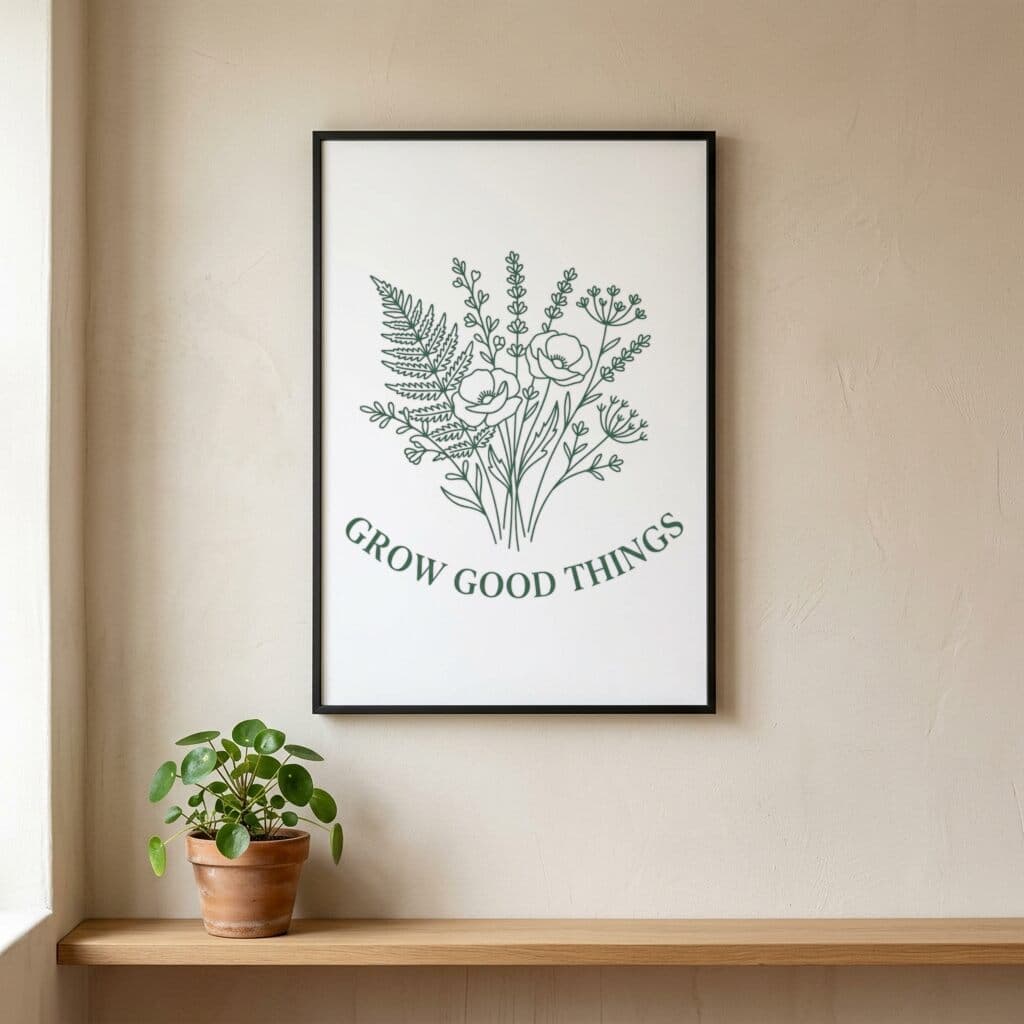
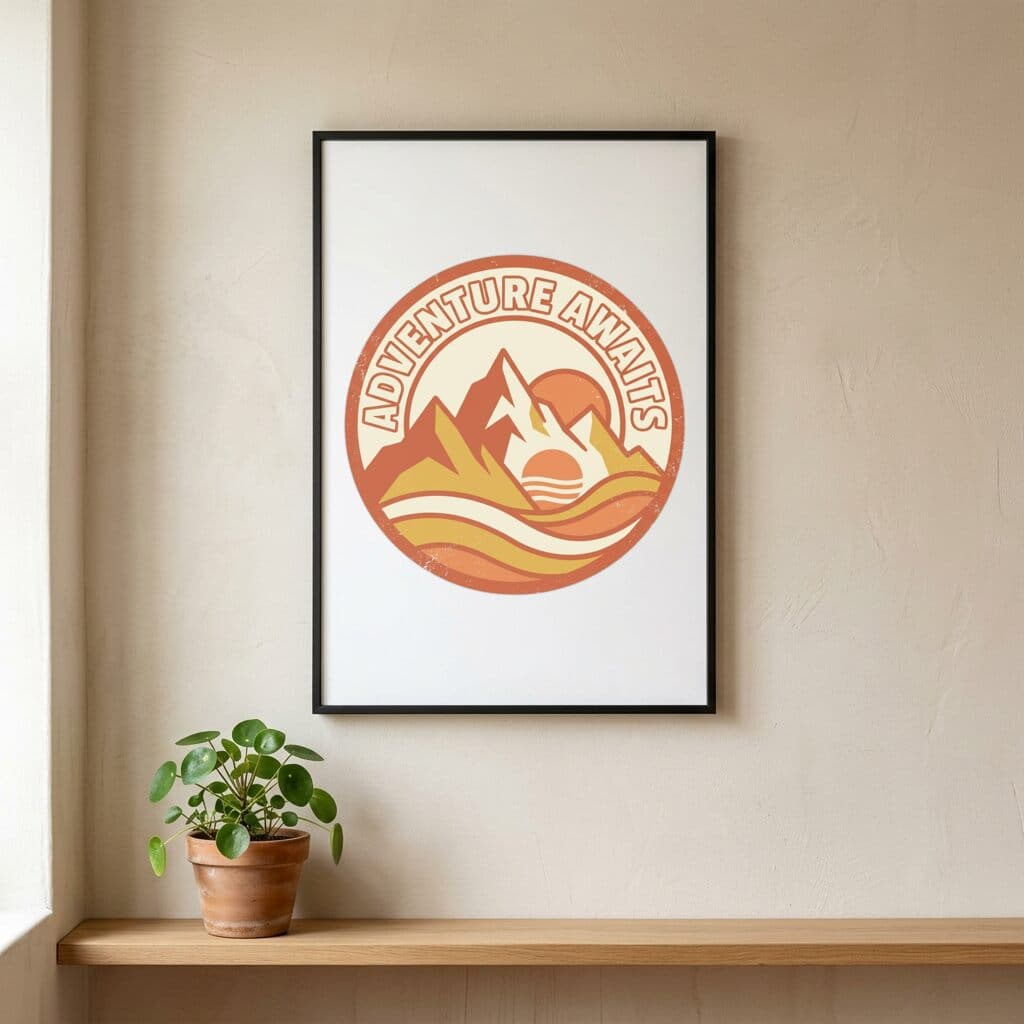
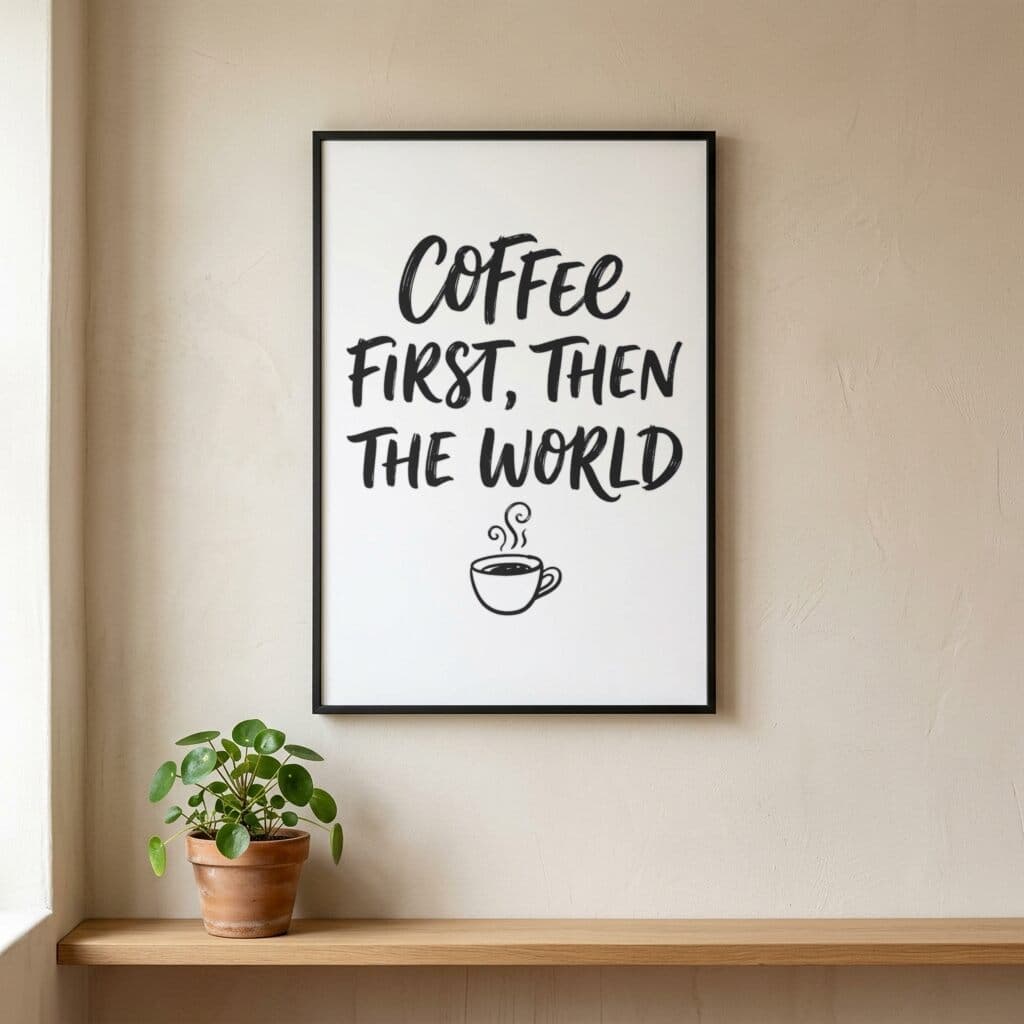
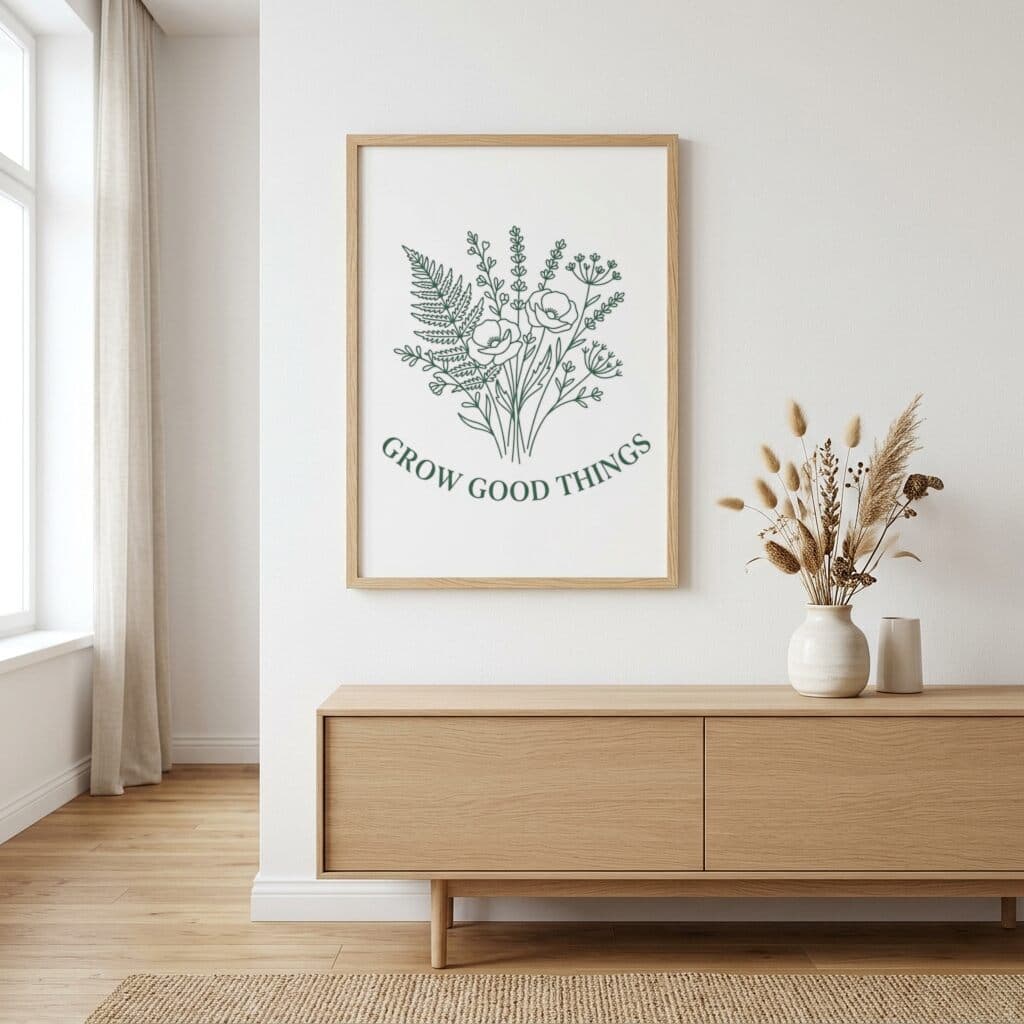
Oak Framed Poster — Wall
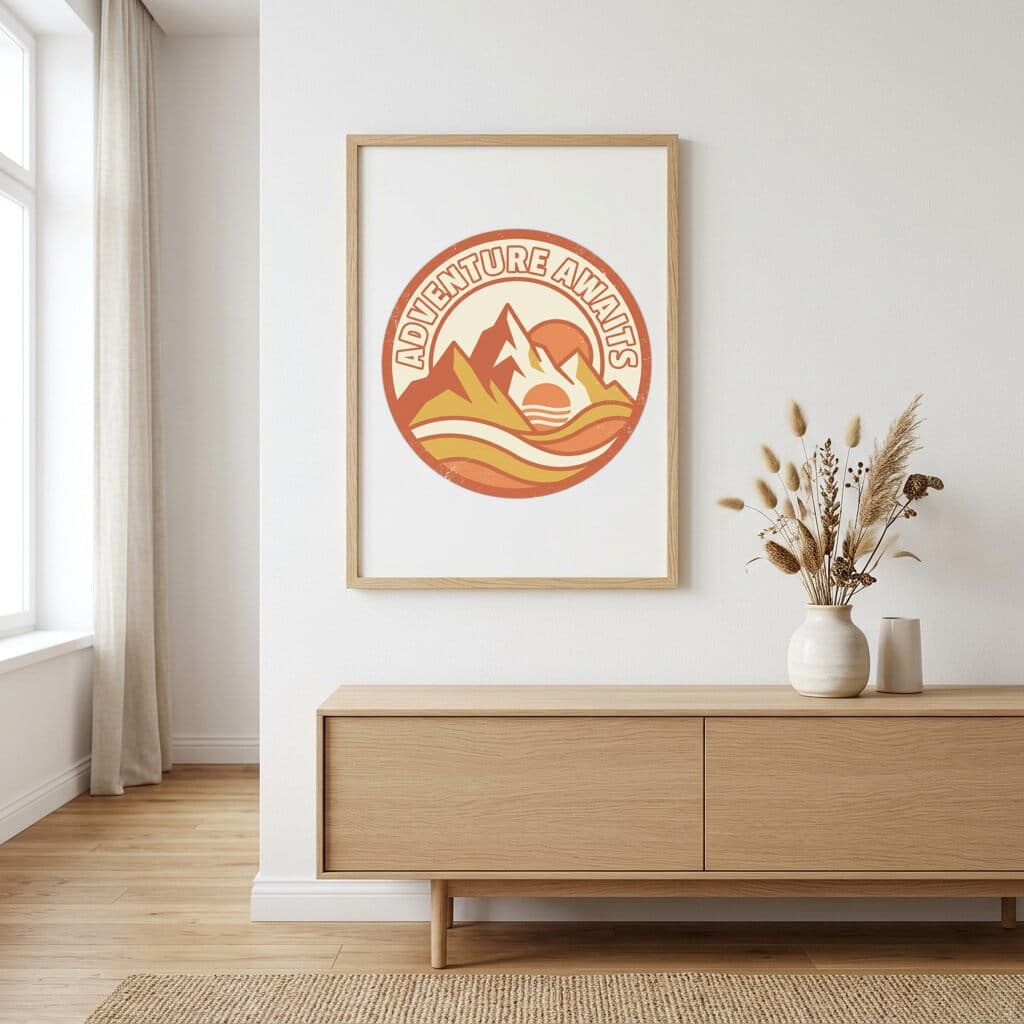
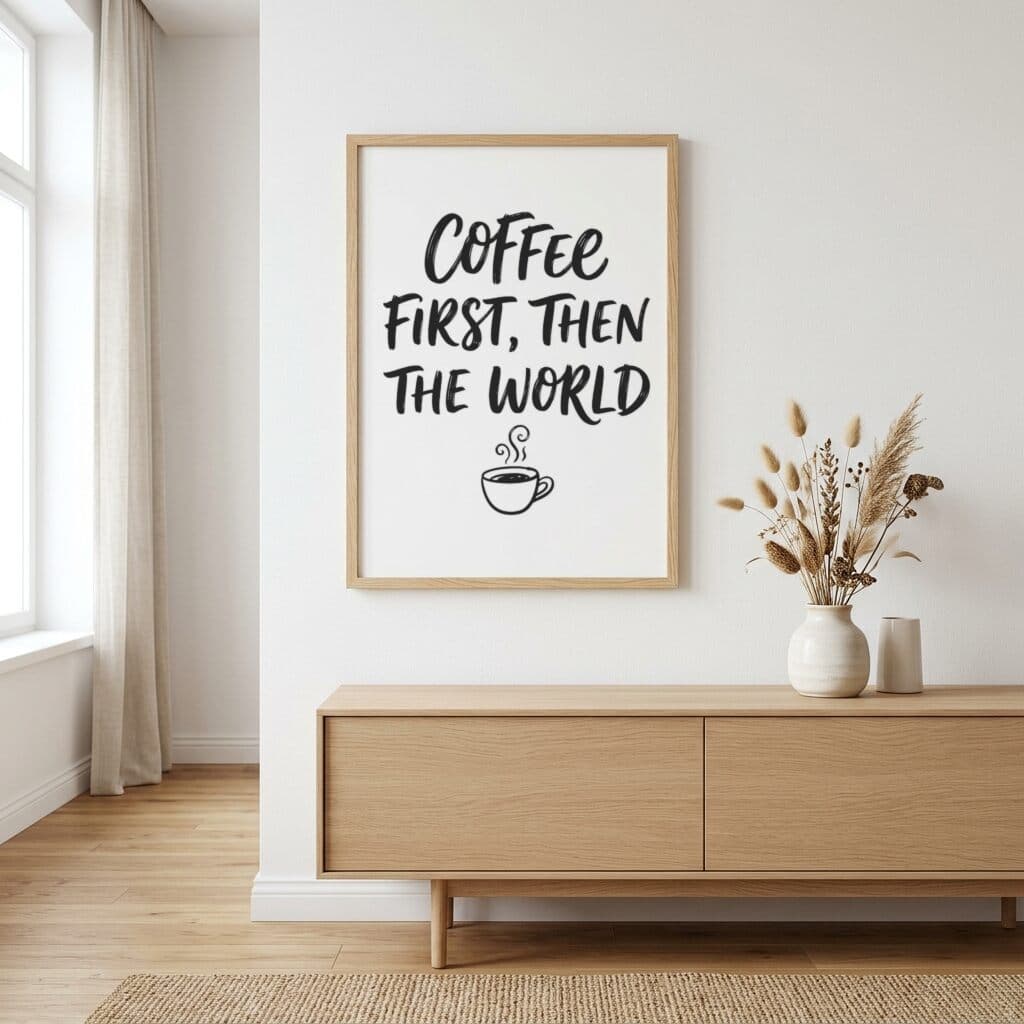
Framed Poster — Landscape
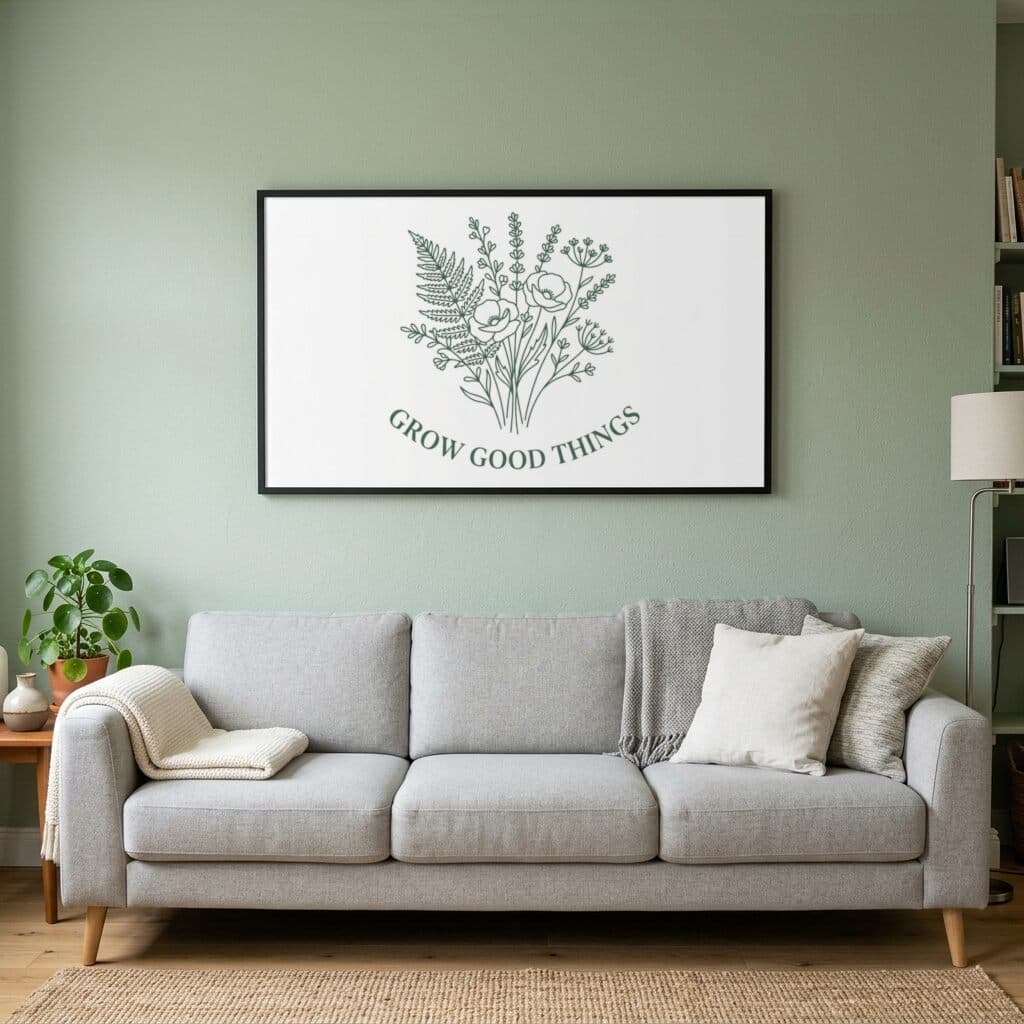
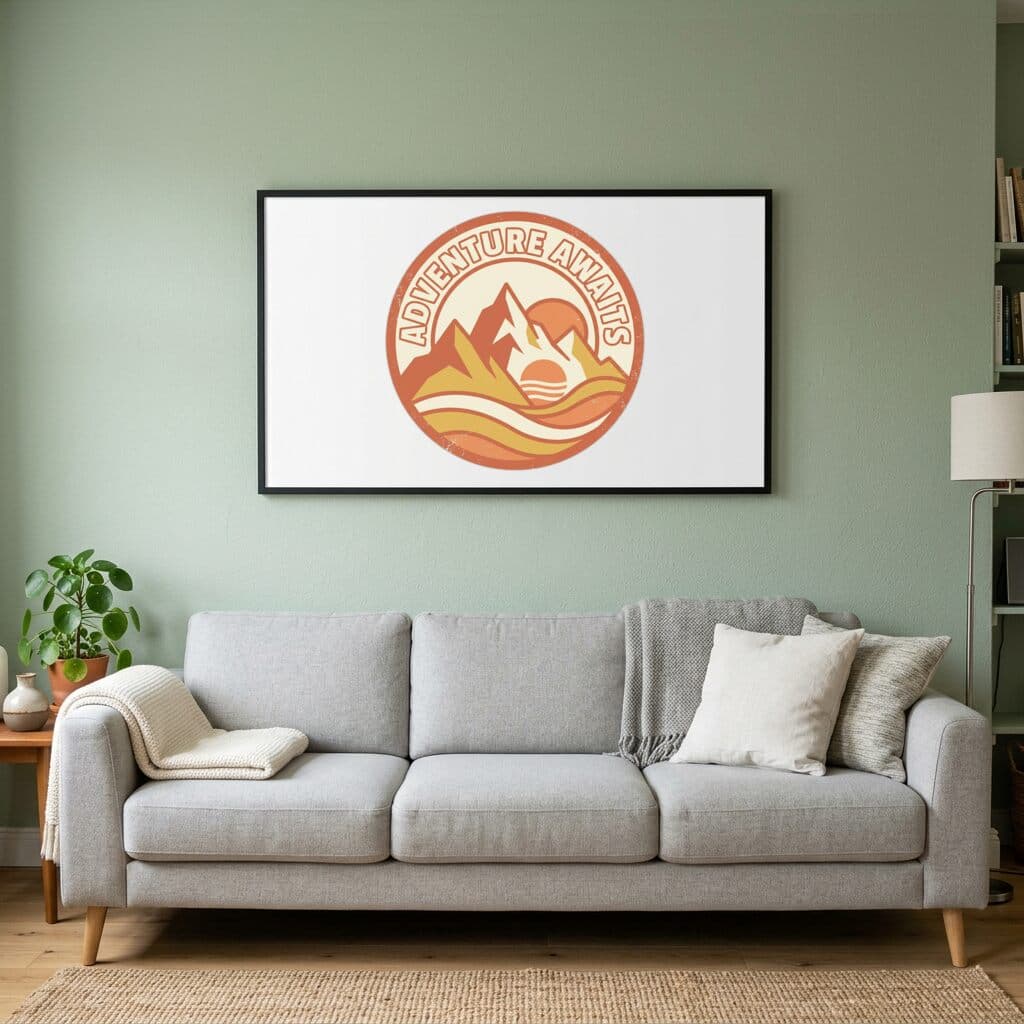
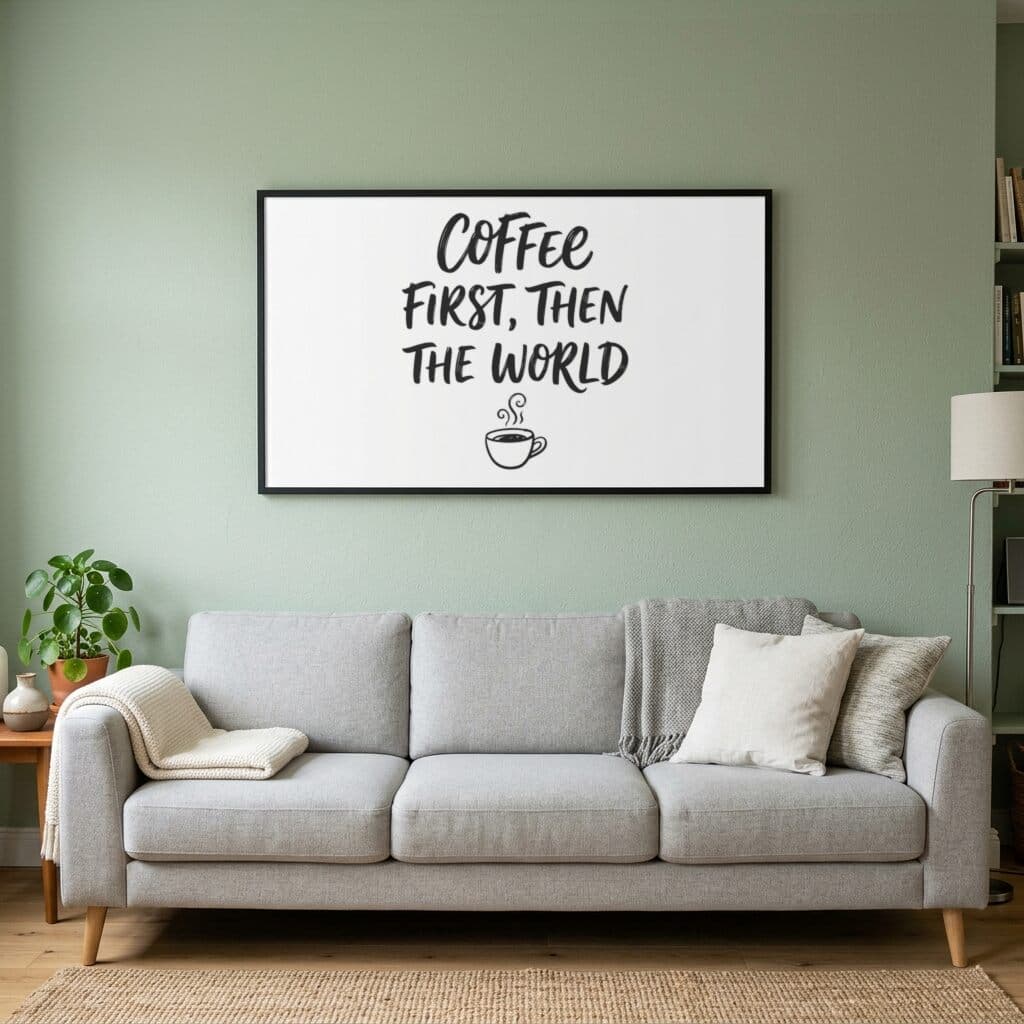
A2 Framed Poster — Wall
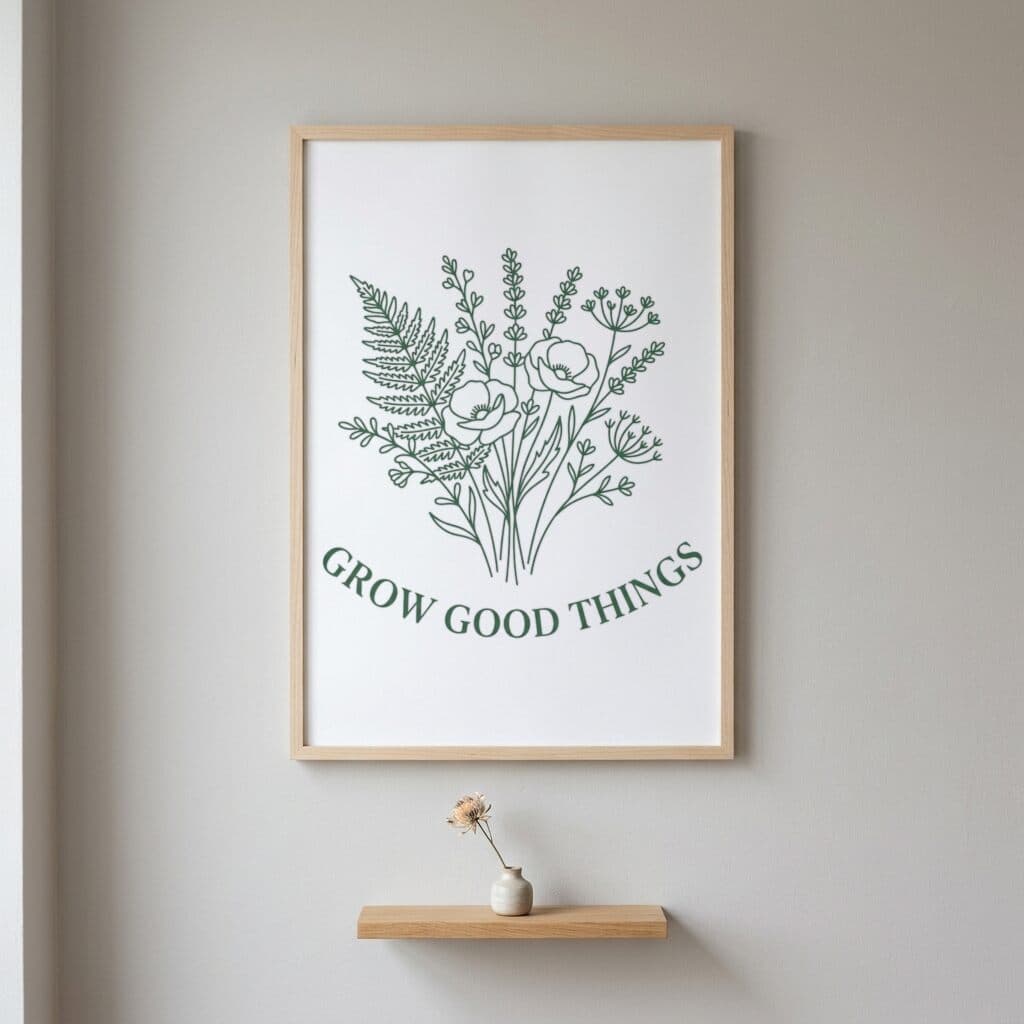
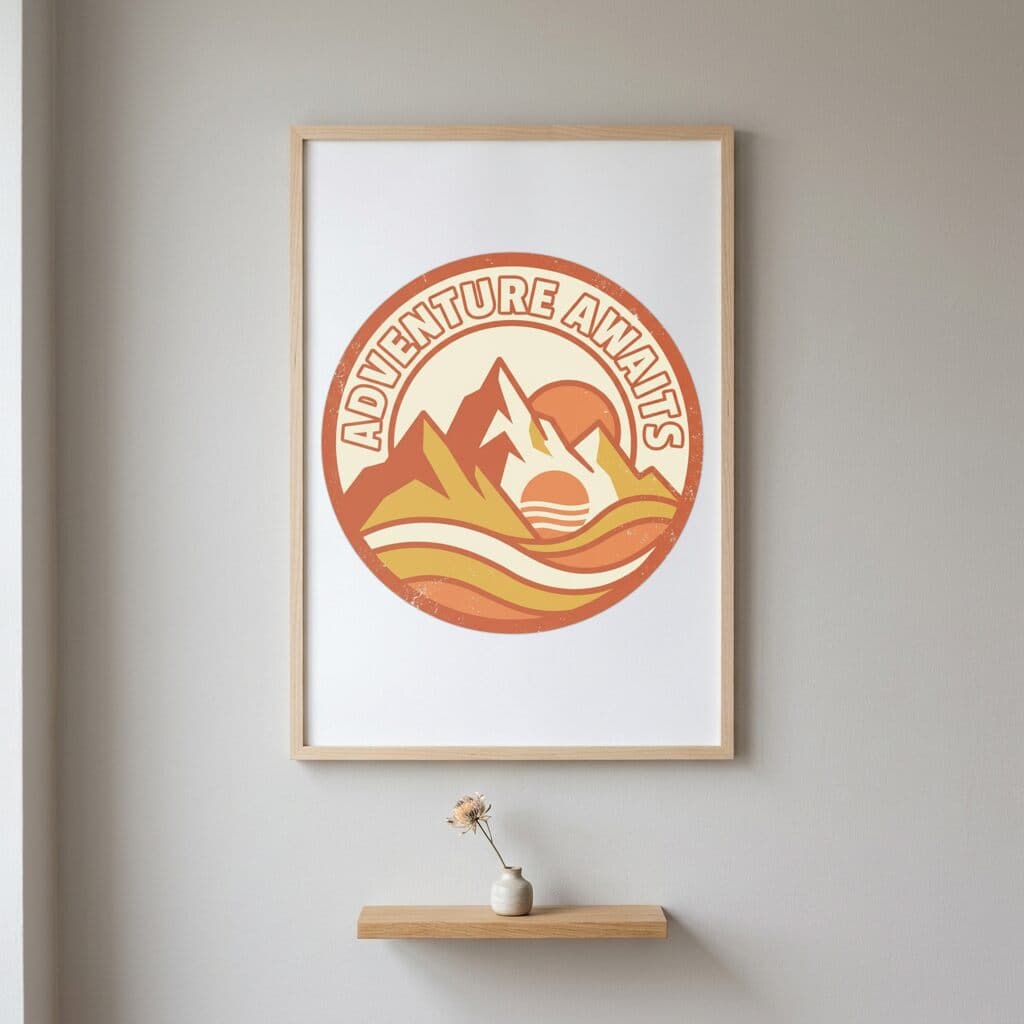
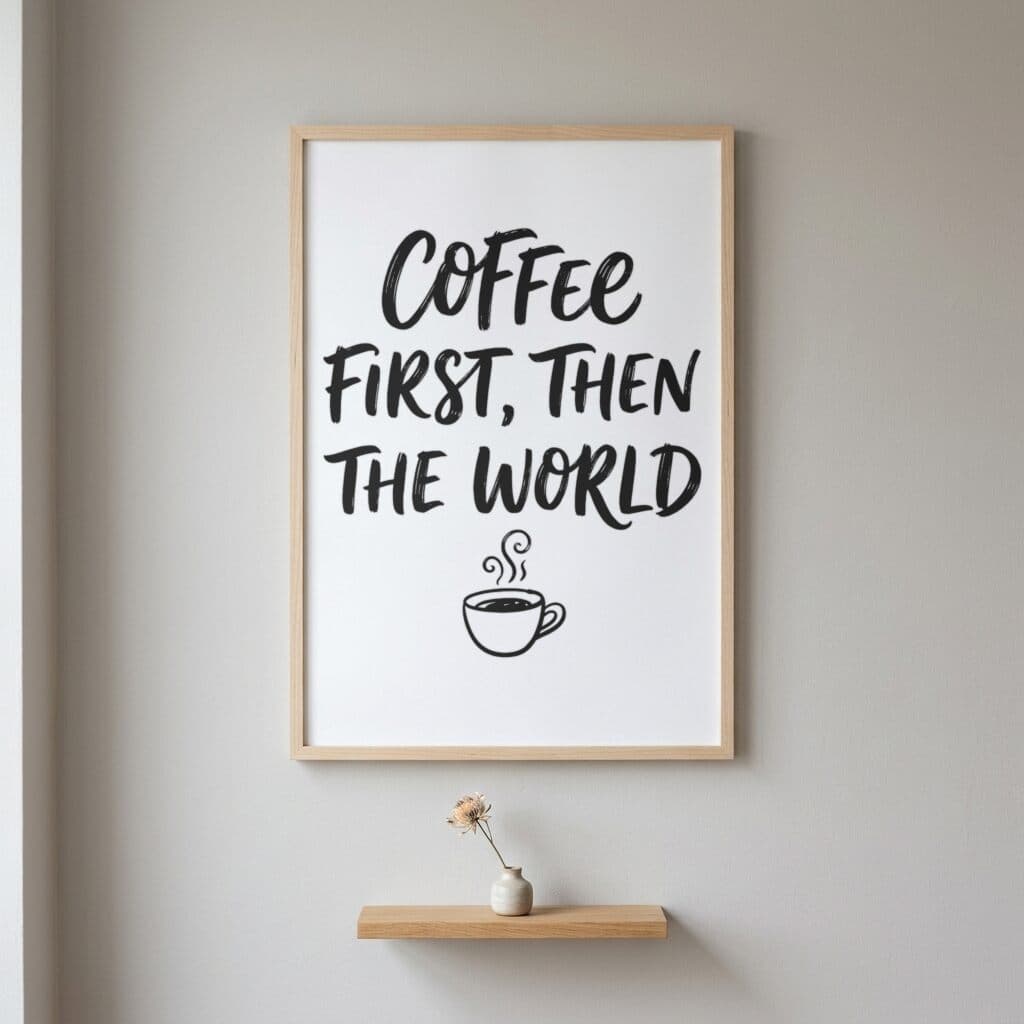
Sample designs are included with every account — try them before uploading your own.
What a poster listing photo has to answer
Poster shoppers choose on three things: the size, the frame, and how the print looks on a wall. A flat artwork file shows none of them. A framed wall view answers all three at once, and a listing usually needs more than one view because people shop by orientation and by frame color.
This category has four framed wall scenes, covering portrait, oak frame, landscape, and A2. The sections below cover the size systems print providers use, the pixel targets for each size, and how to match scenes to the sizes you sell.
Poster sizes in US and A-series systems
Printful's poster page lists sizes from 5 x 7 inches up to 36 x 48 inches, and up to A0, which is 33.1 x 46.8 inches. It offers inch and centimeter versions, and the types include paper posters, posters with a hanger, and framed paper posters.
Printify's art print guide groups US sizes into small (4 x 6, 5 x 7, 8 x 10), medium (11 x 14, 12 x 12, 16 x 20), and large (18 x 24, 20 x 30, 24 x 36). It lists the European A series in centimeters, for example A4 at 21.0 x 29.7 and A3 at 29.7 x 42.0. A2 is the next size up from A3 and doubles its area.
If you sell in both markets, list both systems in the description, since a buyer in Europe searches for A3 and a buyer in the US searches for 11 x 14.
Pixel targets at 300 DPI
Printful recommends 300 DPI for posters, and its digital print file guide accepts paper product files down to 75 DPI. Printify's guide turns that into pixel counts: 4 x 6 inches is 1200 x 1800, 5 x 7 is 1500 x 2100, 8 x 10 is 2400 x 3000, and 11 x 14 is 3300 x 4200. At 12 x 12 you need 3600 x 3600, at 12 x 16 it is 3600 x 4800, and 16 x 20 is 4800 x 6000. The largest size in the table, 18 x 24, needs 5400 x 7200.
Work out the target for the largest size you plan to sell, and export once at that size. Printful also notes print times of roughly 2 to 5 business days, with large sizes taking up to 7, which is worth stating in the listing. Printify's DPI guide points out that upscaling does not add pixels, it only stretches the ones you have, so a small file enlarged for a big poster will look soft.
File mistakes on posters
Low resolution is the common one. A file that looks fine on screen can be blurry at 24 x 36 inches. Check the pixel dimensions against the table above rather than judging by eye.
Orientation is the next. Printful asks you to upload in the orientation you want printed, so a landscape design should be saved as a landscape file. Choose the frame scene that matches: Framed Poster — Landscape for wide pieces, and the portrait scenes for tall ones.
The last is ratio. A design sized for 8 x 10 will not fill a 12 x 16 frame without cropping or white margin. If you sell several sizes, either design in a ratio common to your sizes or prepare each ratio separately.
Picking among the four poster scenes
Framed Poster — Wall is the default portrait view, useful as a first image for most designs. Oak Framed Poster — Wall adds a wood frame, which suits botanical art, photography, and warm color palettes.
Framed Poster — Landscape handles wide artwork, such as panoramas and typographic prints set horizontally. A2 Framed Poster — Wall shows a larger poster on the wall, which helps a buyer judge the scale of a big print and fits a listing that offers an A2 size.
Printful sells the same artwork as a paper poster, a poster with a hanger, or a framed poster, so name the type in the listing and pick the scene that matches. A framed wall scene suggests a framed product, and a buyer who orders an unframed poster after seeing it should have read that in the description.
You can use several at once. A common set is the default portrait scene as the main image, the oak frame as an alternative style, and the A2 scene as a size reference.
Rendering a poster set and using it on marketplaces
Upload up to 50 prints as PNG, JPEG, or WebP files of up to 20 MB each, tick the poster scenes, and generate. A set of 12 prints across four scenes comes back as 48 images in one ZIP. Free renders are watermarked and capped at 512 px on the longest side, and Pro at $15 / month or $99 / year removes both.
To see it first, use Try with a sample design after signing in; the gallery here shows the three included designs in each frame.
Etsy's image policy lets sellers use stock mockups for print-on-demand products when the artwork is the seller's own design and a production partner does the printing. Policies change, so check the current text before listing, particularly for images of personalized posters.
Frequently asked questions
- What sizes does Printful offer for posters?
- Printful's poster page lists sizes from 5 x 7 inches to 36 x 48 inches, up to A0 at 33.1 x 46.8 inches, with inch and centimeter versions. Types include paper, hanger, and framed posters.
- How many pixels does an 18 x 24 poster need?
- Printify's art print guide lists 5400 x 7200 pixels for 18 x 24 inches at 300 DPI, and 4800 x 6000 for 16 x 20.
- Should I list US sizes or A-series sizes?
- List both if you sell internationally. Printify's guide covers US sizes such as 11 x 14 and A-series sizes such as A4 at 21.0 x 29.7 cm and A3 at 29.7 x 42.0 cm.
- Which frame scene suits a landscape print?
- Use Framed Poster — Landscape for wide artwork. The other three scenes show portrait frames, and the A2 scene is useful for showing the scale of a large print.
- Can a small file be enlarged for a big poster?
- Enlarging does not add detail. Printify's DPI guide says upscaling only stretches existing pixels, so export at the pixel size listed for your largest poster.
- Which file format should a poster use?
- Printful's file guide says PNG or JPEG. It suggests PNG for artwork with transparency or fine detail and JPEG for simpler images, in sRGB, with the printer handling the CMYK conversion.
Sources
Related comparisons
More mockup categories
- T-shirt mockup generator for print-on-demand sellers
- Hoodie and sweatshirt mockup generator
- Tote bag mockup generator for print-on-demand shops
- Canvas print mockup generator: wrap, bleed, 300 DPI
- Pillow mockup generator: sizes, 150 DPI and full-bleed
- Notebook mockup generator for stationery sellers
- Baby onesie and apron mockup generator
- Mug mockup generator for ceramic mug listings
- Sticker mockup generator: die-cut and kiss-cut previews
- Phone case mockup generator for white, black, and clear cases
- Drinkware mockup generator for bottles, tumblers, and cans
- Blanket mockup generator: DPI, sizes and flat lay scene
- Towel mockup generator for beach and bath towels
- Candle mockup generator for jar candle sellers
- Cap mockup generator for baseball cap sellers
More guides
Last verified: 2026-10-06