Canvas print mockup generator for wall art listings
Mockraft is a web-based bulk mockup generator for print-on-demand sellers. It renders every design across every scene in one batch, with no credits and a flat monthly price.
Try a canvas print mockup preview
Upload one design or pick a sample, choose a scene, and get a watermarked 512 px preview in a few seconds. No account needed.
Or try a sample design:
Sample renders: 3 designs x 2 scenes
Canvas Wrap — Wall
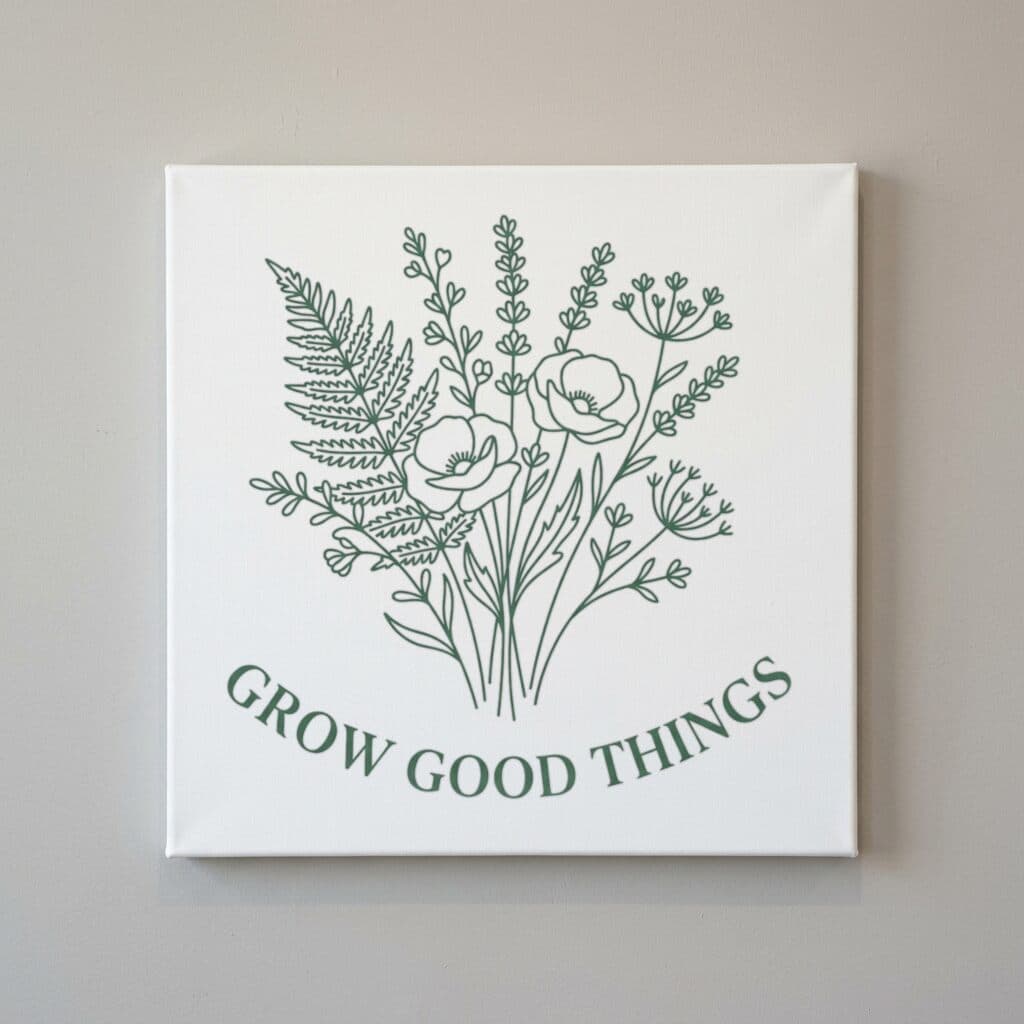
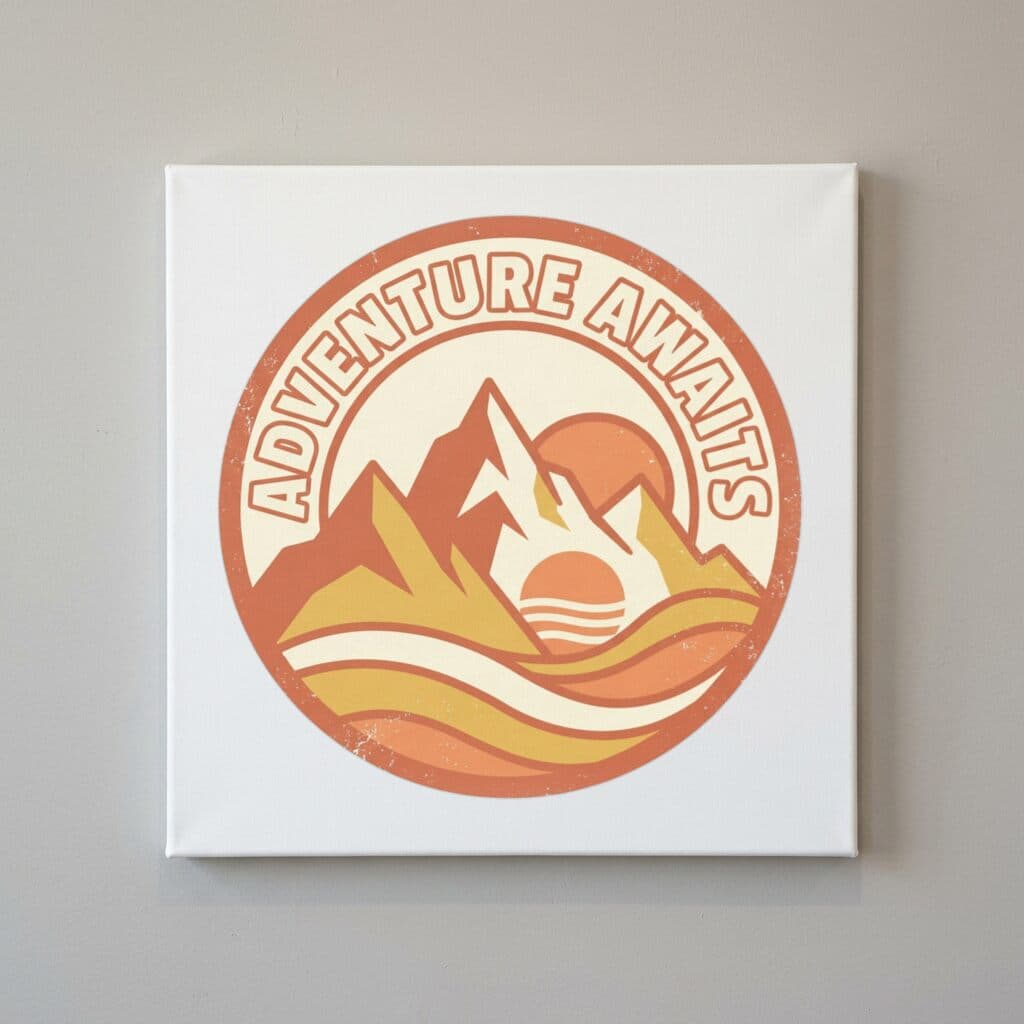
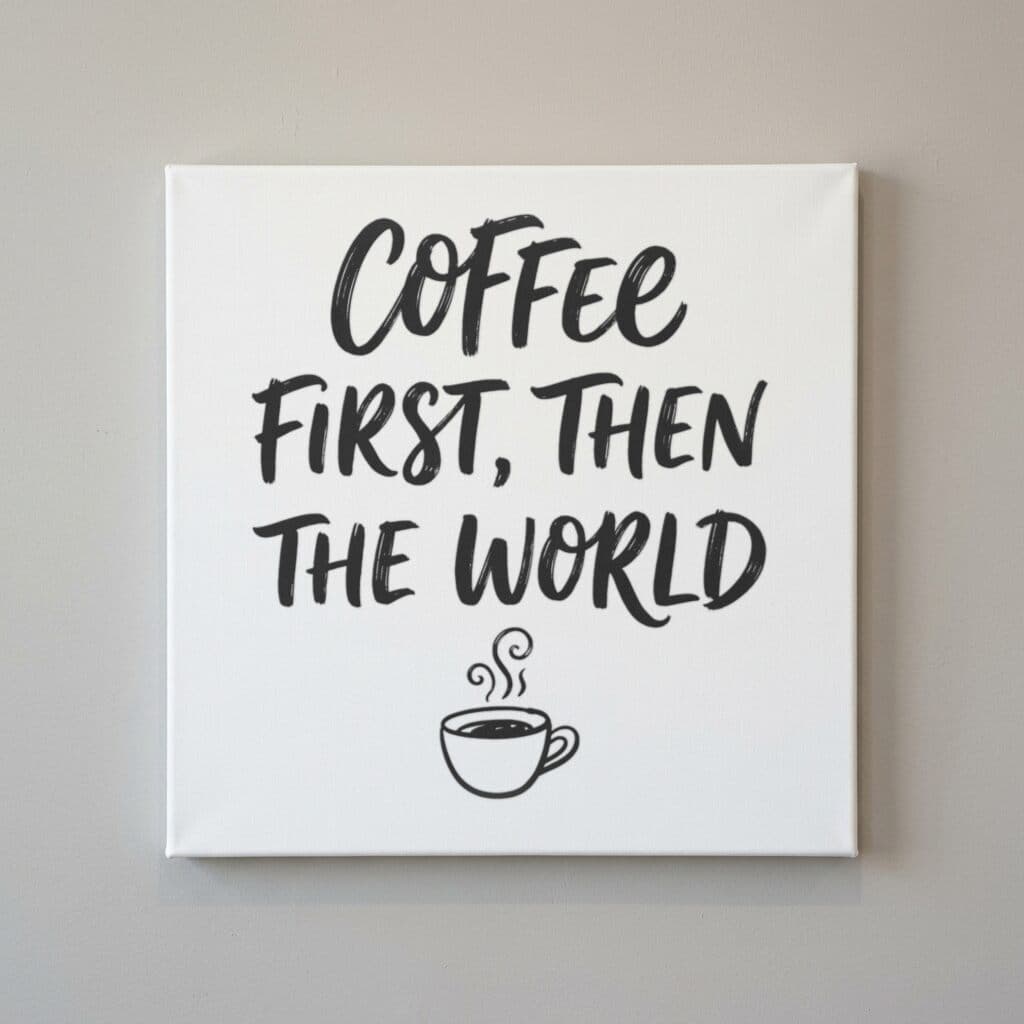
Art Print — Desk Flat Lay
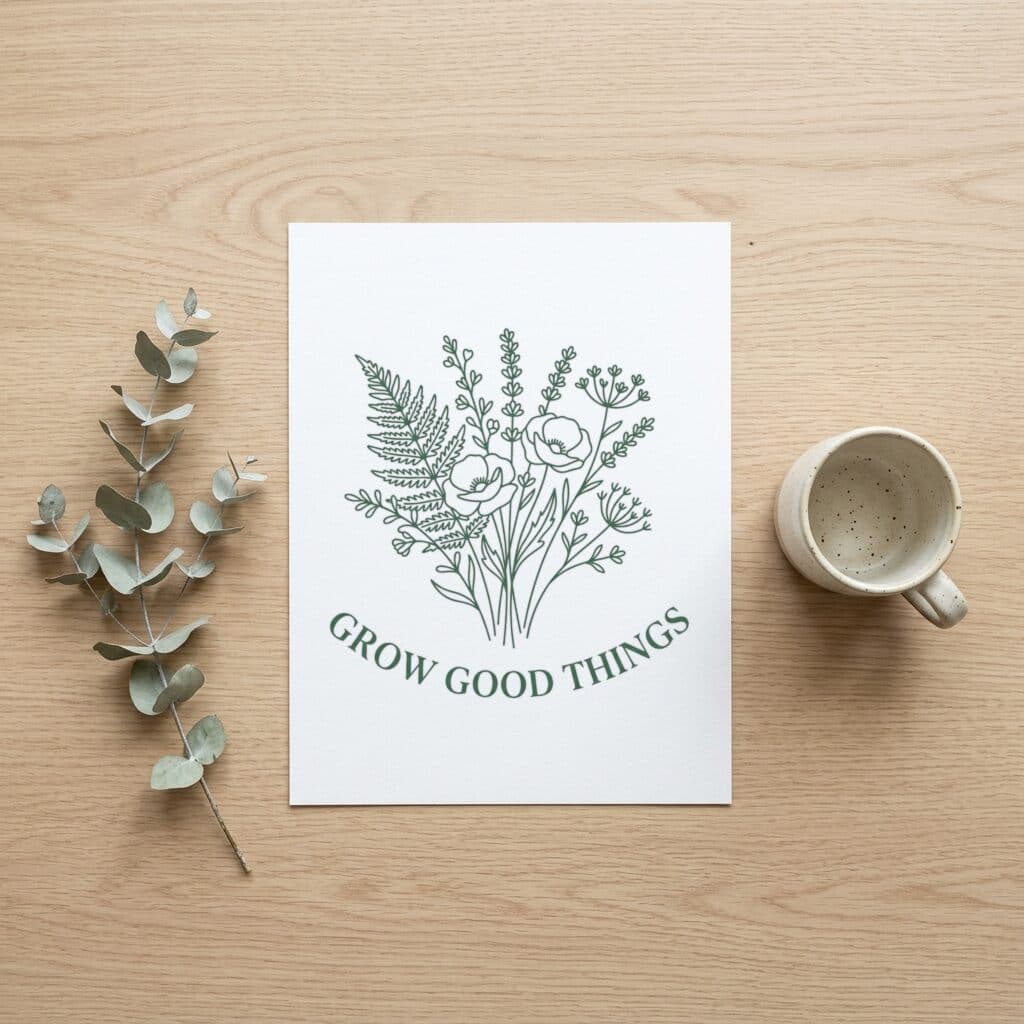
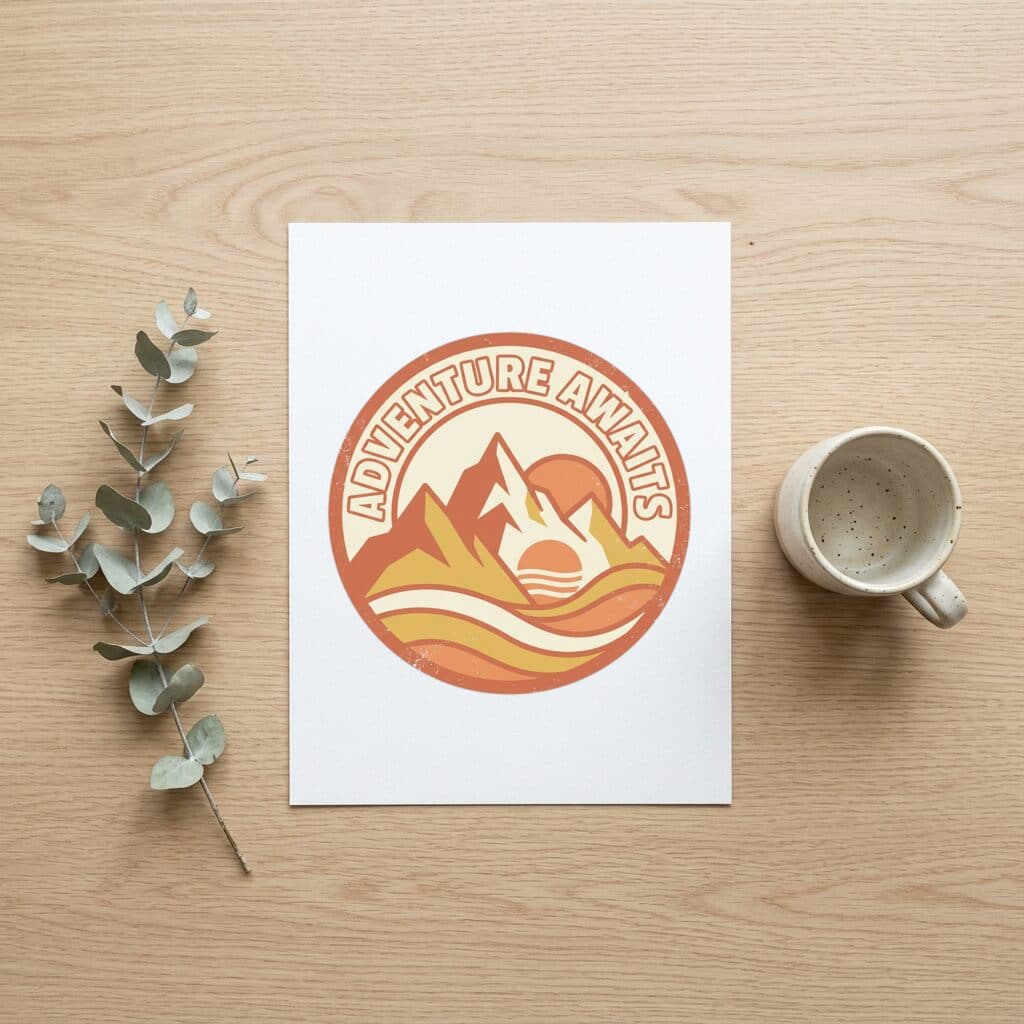
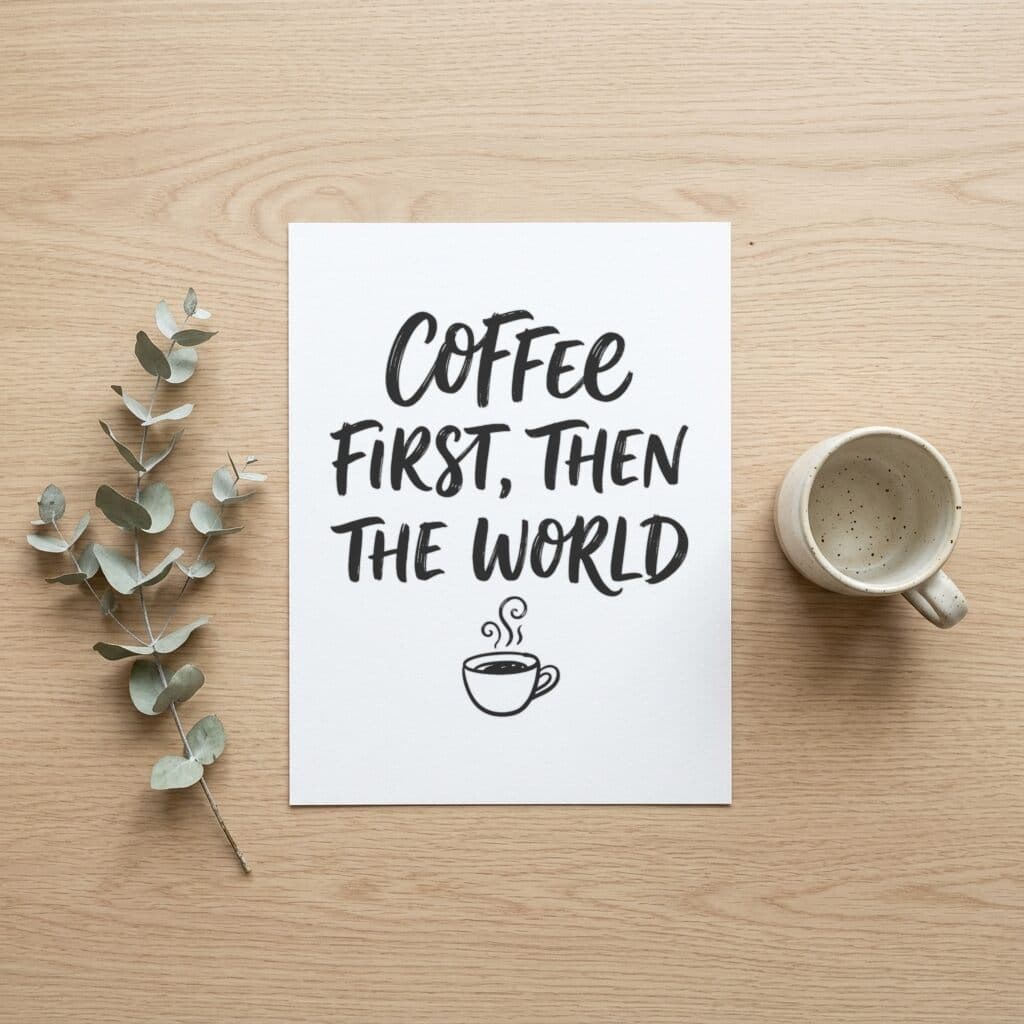
Sample designs are included with every account — try them before uploading your own.
What a canvas listing photo has to prove
A shopper looking at a canvas listing wants to know one thing: will this artwork look right on my wall? The photo has to answer that at a glance, which means showing the print at a believable scale, hung in a room, with the depth of the frame visible. A flat artwork file on a white background shows none of that, and a buyer cannot judge proportions from it.
Most canvas listings need two kinds of image. One shows the canvas on a wall and does the selling work as the first photo. The other shows the artwork closer, as a print on a desk, so the detail and color are easy to judge. Those are the two scene types in this category, and the sections below cover what to prepare in the artwork file so the finished canvas matches what the mockup promises.
Canvas file specs from Printful and Printify
Printful's guide for digital print files accepts PNG or JPEG, asks for the sRGB color profile, and does the CMYK conversion on its side. It says the minimum accepted resolution for paper products is 75 DPI, but it strongly recommends 300 DPI. It also asks for full-bleed images, where the graphics cover the entire document, uploaded in the orientation you want printed. Printful sells Canvas, Thin canvas, and Framed canvas, and its wall art range runs from 5 x 7 inch paper posters up to 40 x 60 inch canvases.
Printify's canvas guide names 300 DPI as the best resolution for canvas prints and calls a 1.5 to 2 inch bleed generally ideal, so the image wraps around the frame without a white edge. Its DPI guide gives a concrete size: a large piece of 18 x 24 inches at 300 DPI needs 5400 x 7200 pixels. Anything bigger needs more pixels still, and upscaling does not add detail, it only stretches the pixels you already have.
Per-product file guidelines and templates live on the product pages, and the printable area differs between canvas types. Check the current guidelines and download the template before you finalize the artwork.
Mistakes that show up on a printed canvas
The first is resolution. Printify's canvas guide warns that a low-resolution file printed large looks blurry, and the problem grows with size. Start from the largest source you have rather than enlarging a small export, and keep the original working file so you can re-export when you add a bigger canvas size to the shop.
The second is bleed. If the picture ends exactly at the front edge, the wrapped sides have nothing to show. Extend the background or the artwork past the front edge by the bleed amount your provider recommends. Some print providers mirror the edges of the image to fill the wrap, so keep signatures, text, and faces away from the outer edge unless the template marks that area as safe.
The third is ratio. Printify advises picking a canvas whose ratio is close to the artwork's, for example a 4:3 piece on a canvas near 4:3, so you avoid cropping or distortion. If a design only exists as a square, decide early whether to extend the background or to sell a square size.
When to use each canvas scene
Canvas Wrap — Wall puts the artwork on a canvas hung on a wall. It is the better first image for most listings because it shows scale against a room and gives a sense of how the piece would hang at home. It suits landscapes, abstract work, and photographic prints that are meant to hold a wall.
Art Print — Desk Flat Lay shows the artwork as a print laid on a desk. Use it as a supporting image for prints sold unframed or for pieces with fine line work, since the closer view makes detail easier to see. It also works for a listing that offers both a canvas and a paper print of the same art.
Both scenes take the same upload, so you do not prepare separate files. Pick one or both for each design and decide per listing which comes first in the image order.
Rendering a canvas set in one batch
Upload up to 50 designs as PNG, JPEG, or WebP files of up to 20 MB each, select the canvas scenes, and start the batch. Each design is rendered into every selected scene, and the result downloads as one ZIP, which makes it easy to drop the images into a listing folder.
If you want to see the output before using your own files, the app offers a Try with a sample design button after you sign in. The three included designs are a botanical line drawing, a retro badge, and hand lettering, and the gallery on this page shows how each renders in these scenes.
On pricing: Free renders carry a watermark and are limited to 512 px on the longest side, which is enough to judge composition. Pro costs $15 / month or $99 / year, removes the watermark, renders at full resolution, and has no per-render credits.
Using mockups on Etsy and other marketplaces
Etsy's listing image requirements allow stock mockups for print-on-demand items where you designed the artwork and a production partner prints it. The policy has separate rules for personalized items and for how many images you can upload, and it changes over time, so read the current text before you publish. Marketplaces other than Etsy have their own requirements for main images, usually covering minimum size and whether text or watermarks are allowed.
Whatever the venue, use the mockup as an honest preview of the printed product. Match the canvas depth and ratio in the scene to what you actually sell, and run a sample order through your provider to confirm the colors before you rely on the images.
Frequently asked questions
- What resolution should a canvas print file be?
- Both Printful and Printify recommend 300 DPI for canvas. Printful accepts files down to 75 DPI for paper products but strongly recommends 300, and Printify's DPI guide lists 5400 x 7200 pixels for an 18 x 24 inch print at 300 DPI. Check the product page for the current minimum for your canvas type.
- How much bleed does a canvas wrap need?
- Printify says a 1.5 to 2 inch bleed is generally ideal for most canvas prints. Printful asks for full-bleed artwork. Template dimensions vary by product, so download the template from the product page and extend the image to its bleed line.
- Should I mock up with the file I send to the printer?
- Yes, upload the artwork as you would print it. The mockup is a preview of how it reads in a room, not a proof of the printed color, so order a sample from your provider when color matters.
- My painting is 4:3. Which canvas ratio should I choose?
- Printify suggests choosing a canvas whose ratio is close to the artwork, which avoids cropping or distortion. For a 4:3 piece, look for the nearest available size rather than forcing it onto a 2:3 canvas.
- Can I try the canvas scenes without my own artwork?
- Yes. After you sign in, the Try with a sample design button runs one of the three included designs through the same pipeline as a normal upload, so you can see a wall render and a desk render before preparing your own files.
- Is the watermark on Free renders removable?
- Only with Pro. Free output is watermarked and capped at 512 px on the longest side, which suits a layout check. Pro at $15 / month or $99 / year renders at full resolution without the watermark.
Sources
Related comparisons
More mockup categories
- T-shirt mockup generator for print-on-demand sellers
- Hoodie and sweatshirt mockup generator
- Tote bag mockup generator for print-on-demand shops
- Poster mockup generator: framed wall scenes, A2 to A4
- Pillow mockup generator: sizes, 150 DPI and full-bleed
- Notebook mockup generator for stationery sellers
- Baby onesie and apron mockup generator
- Mug mockup generator for ceramic mug listings
- Sticker mockup generator: die-cut and kiss-cut previews
- Phone case mockup generator for white, black, and clear cases
- Drinkware mockup generator for bottles, tumblers, and cans
- Blanket mockup generator: DPI, sizes and flat lay scene
- Towel mockup generator for beach and bath towels
- Candle mockup generator for jar candle sellers
- Cap mockup generator for baseball cap sellers
More guides
Last verified: 2026-10-06