
Blanket mockup generator for throw blanket listings
Mockraft is a web-based bulk mockup generator for print-on-demand sellers. It renders every design across every scene in one batch, with no credits and a flat monthly price.
Try a blanket mockup preview
Upload one design or pick a sample, choose a scene, and get a watermarked 512 px preview in a few seconds. No account needed.
Or try a sample design:
Sample renders: 3 designs x 1 scenes
White Blanket — Flat Lay
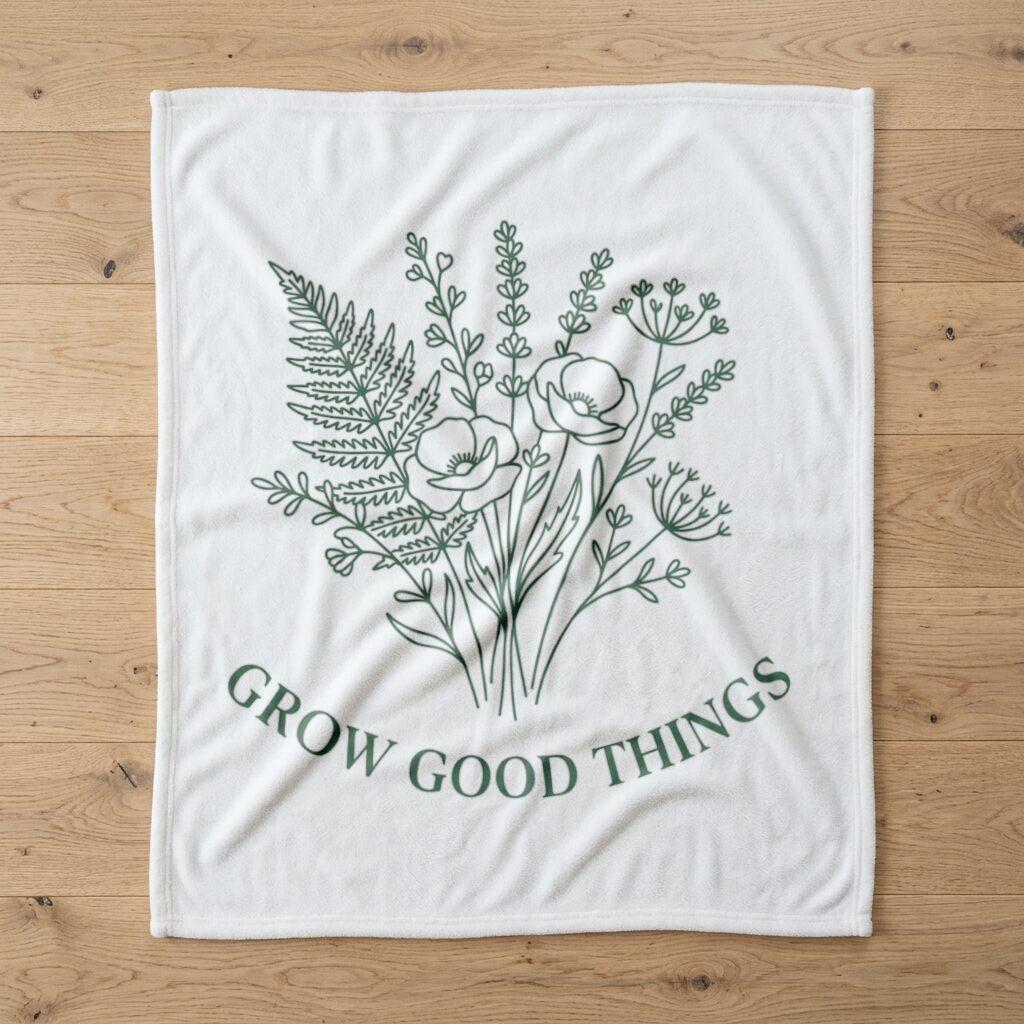
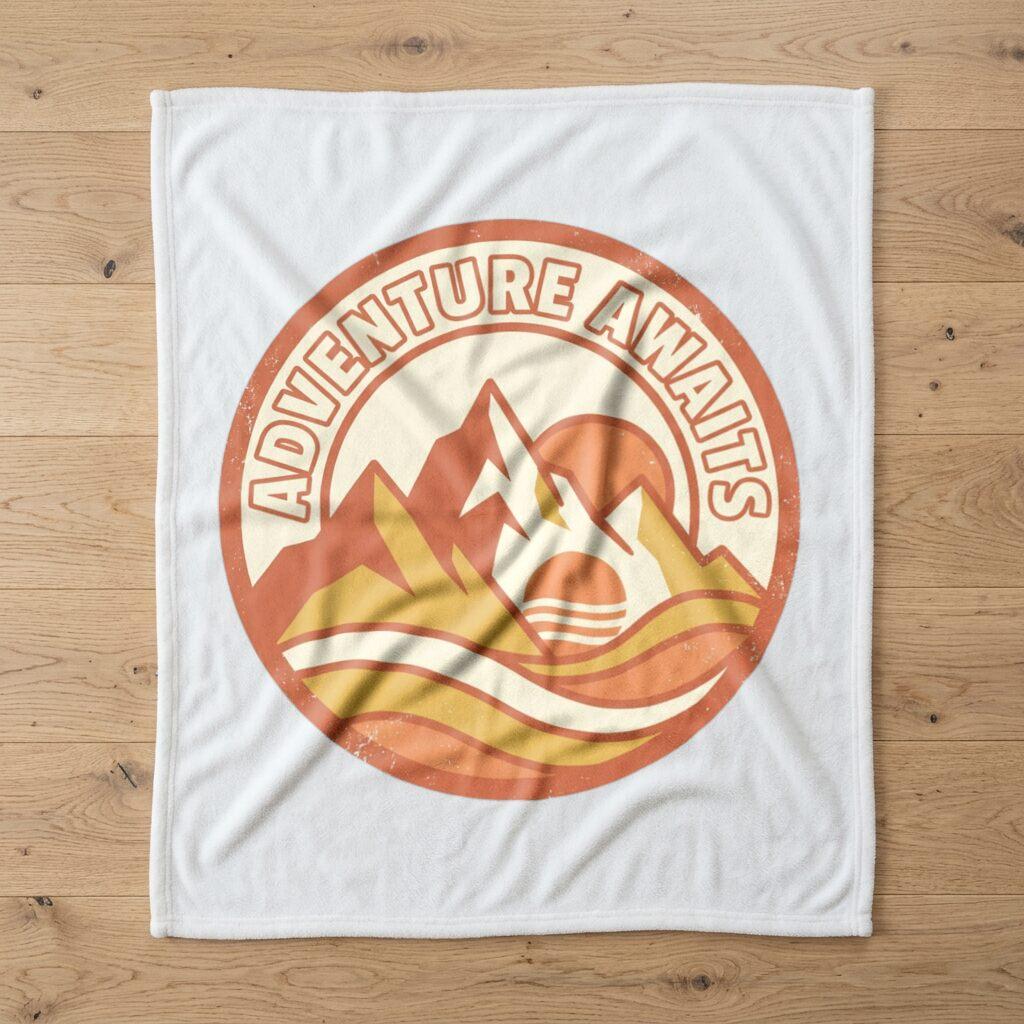
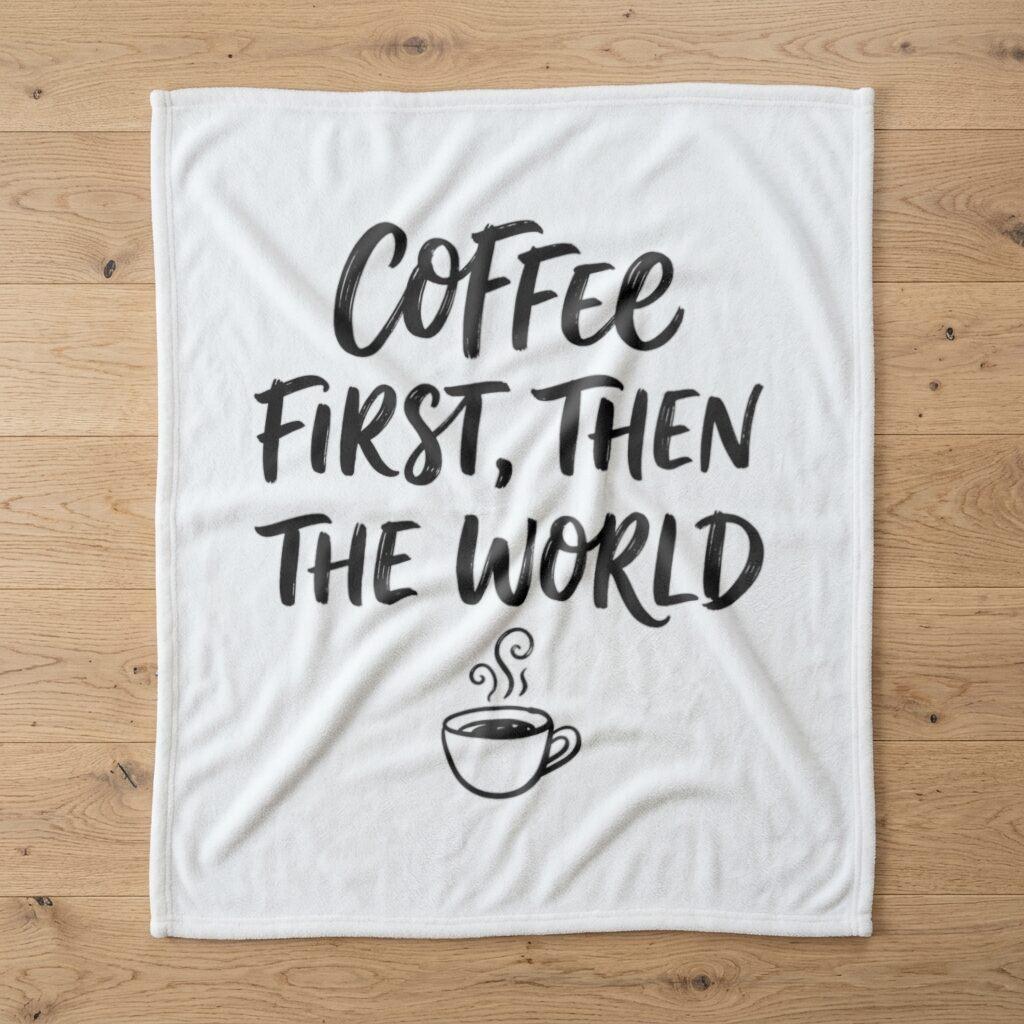
Sample designs are included with every account — try them before uploading your own.
What a blanket listing photo has to show
A blanket is a large soft object, and shoppers want to see the whole pattern and how it drapes before they pay. A single flat lay of the full blanket is the most direct way to show the pattern at its true proportions, and it is usually the first image buyers look at. Lifestyle shots with the blanket on a sofa support it but do not replace it.
This category has one blanket scene, a white blanket in a flat lay. That is enough to produce the pattern view for every design in a catalog, and the sections below cover the print specs that decide whether the real blanket looks like the mockup.
Resolution and size at Printify and Printful
Printify's blanket page says blankets print at 120 to 150 DPI instead of the standard 300 DPI, and it asks for JPEG or PNG files at the largest size available. That is different from posters and canvases, where 300 DPI is the usual advice, so do not assume a canvas file spec applies.
Printful's blanket page lists sublimation all-over-print blankets in three sizes and two fabric families, Sherpa and Plush fleece, and a separate embroidered Premium Sherpa blanket in a single 50 x 60 inch size. Printful does not cap the number of images, so a patchwork or collage layout is possible. Look up the current size chart and pixel guidance on the product page, since the dimensions differ by size and fabric.
The lower DPI changes the arithmetic. At 120 DPI a 60 x 80 inch blanket works out to 7200 x 9600 pixels, and at 150 DPI it is 9000 x 12000. Those are calculations from Printify's stated range rather than published canvas sizes, so use them as a planning figure and confirm against the product page before exporting.
Design choices that survive a blanket
Printify gives specific advice here. A 60 x 80 inch blanket is seen from across a room, so bold shapes, large text, and high contrast read better than fine lines and small lettering. It also warns that on some blankets any white or transparent areas in the design remain unprinted, leaving the fabric fibers visible.
The practical result is that a design with a white background may print with the blanket's own base color showing instead of white. If you want a specific background, fill it with color in the file. Printify also notes that colors can look different on fabric than on a screen, so it recommends ordering a sample before you commit to a catalog.
Because of the white-area behavior, check how the mockup and the product page describe the base color. The mockup scene shows a white blanket, so a design with deliberate white regions looks different from a design that is filled edge to edge.
Reading the white blanket flat lay scene
The White Blanket — Flat Lay scene shows the blanket from above on a plain surface. Use it for all-over patterns, such as botanical repeats, geometric designs, and large lettering. Because the view is straight on, the pattern keeps its proportions, which makes it a reliable image for comparing designs side by side.
Designs with strong contrast and large shapes carry best in this view, in line with Printify's advice about viewing distance. Fine line work, like the botanical sample design, shows the texture of the line but loses detail at thumbnail size, which is a useful warning before you print it.
Running a blanket batch
Upload up to 50 designs as PNG, JPEG, or WebP files of up to 20 MB each, tick the blanket scene alongside any other product scenes, and generate. You receive one ZIP with every render, so a whole seasonal collection can be reviewed in one folder.
The three sample designs, which you can run after signing in with Try with a sample design, are shown in the gallery above. Use them to see how line art, a badge, and lettering behave on the blanket before you upload your own.
For cost, Free is watermarked and limited to 512 px on the longest side. Pro is a flat $15 / month or $99 / year, removes the watermark, and renders at full resolution, with nothing metered per image.
Marketplace image rules
On Etsy, the listing image requirements permit stock mockups where you designed the artwork and a production partner does the printing. Policy details change, so read the current text before you list, especially on image counts and on personalized items. Other marketplaces set their own rules on main images.
A mockup is a presentation image. Keep the pattern scale honest, and make sure the listing states the real size and fabric so the flat lay does not suggest a size that you do not sell.
Frequently asked questions
- What DPI should a blanket design be?
- Printify's blanket page says blankets print at 120 to 150 DPI rather than 300 DPI, and asks for JPEG or PNG at the largest size available. Check the product page for the exact pixel guidance for your size.
- Why does my white background look like fabric?
- Printify notes that on some blankets, white or transparent areas in a design are not printed, so the fabric fibers show through. Fill the background with color in the file if you need a solid look.
- What fabrics and sizes does Printful offer?
- Printful lists sublimation blankets in three sizes and two fabric families, Sherpa and Plush fleece, plus an embroidered Premium Sherpa blanket in 50 x 60 inches only.
- How many pixels does a large blanket need?
- Printify gives a 120 to 150 DPI range and asks for the largest file available. By arithmetic a 60 x 80 inch blanket is 7200 x 9600 pixels at 120 DPI, so treat that as a floor and check the product page.
- Which designs read well on a blanket?
- Printify says blankets are seen from across a room, so bold shapes, large text, and strong contrast work better than thin lines and small type.
- Is one scene enough for a blanket listing?
- It covers the pattern view for every design. Pair it with your own lifestyle photos or a sample order photo for drape and texture, which a flat lay does not show.
Related comparisons
More mockup categories
- T-shirt mockup generator for print-on-demand sellers
- Hoodie and sweatshirt mockup generator
- Tote bag mockup generator for print-on-demand shops
- Poster mockup generator: framed wall scenes, A2 to A4
- Canvas print mockup generator: wrap, bleed, 300 DPI
- Pillow mockup generator: sizes, 150 DPI and full-bleed
- Notebook mockup generator for stationery sellers
- Baby onesie and apron mockup generator
- Mug mockup generator for ceramic mug listings
- Sticker mockup generator: die-cut and kiss-cut previews
- Phone case mockup generator for white, black, and clear cases
- Drinkware mockup generator for bottles, tumblers, and cans
- Towel mockup generator for beach and bath towels
- Candle mockup generator for jar candle sellers
- Cap mockup generator for baseball cap sellers
More guides
Last verified: 2026-10-06