
Pillow mockup generator for home decor sellers
Mockraft is a web-based bulk mockup generator for print-on-demand sellers. It renders every design across every scene in one batch, with no credits and a flat monthly price.
Try a pillow mockup preview
Upload one design or pick a sample, choose a scene, and get a watermarked 512 px preview in a few seconds. No account needed.
Or try a sample design:
Sample renders: 3 designs x 1 scenes
White Pillow — Couch
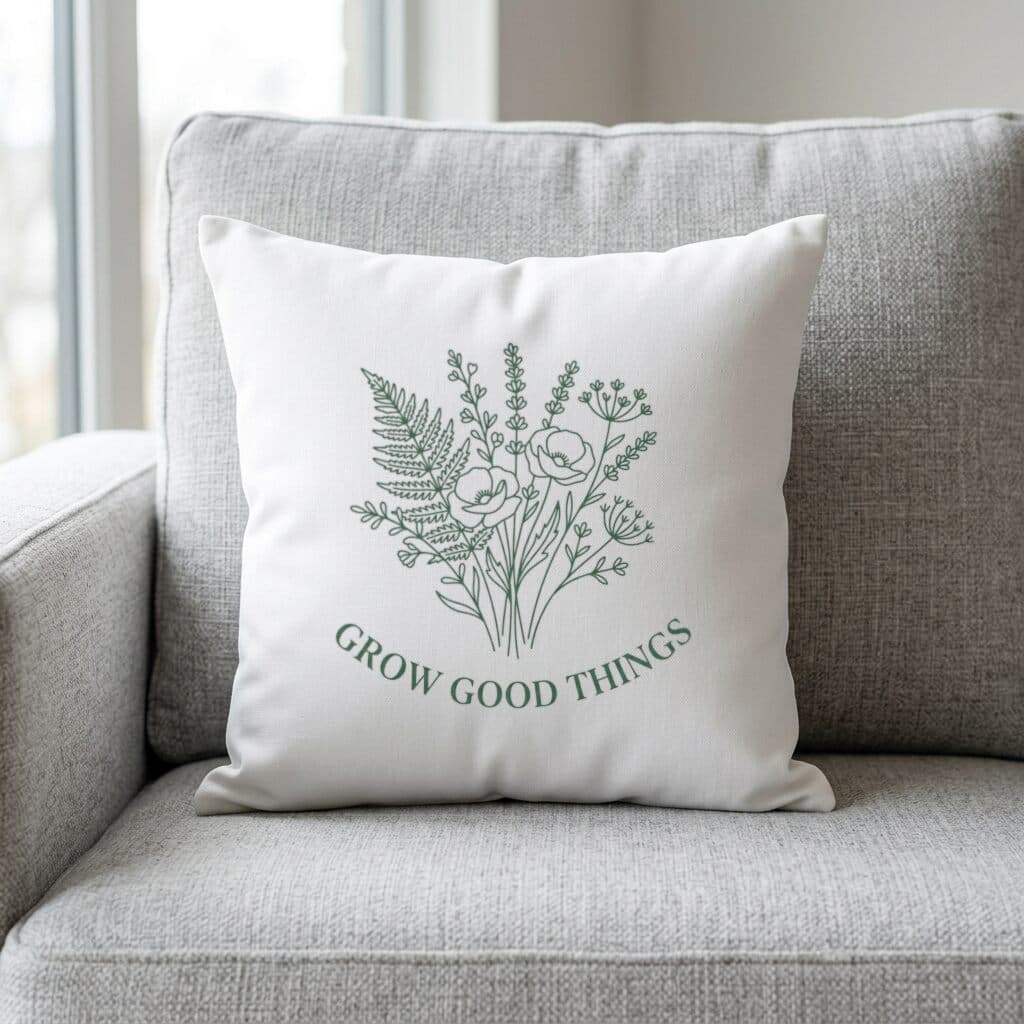
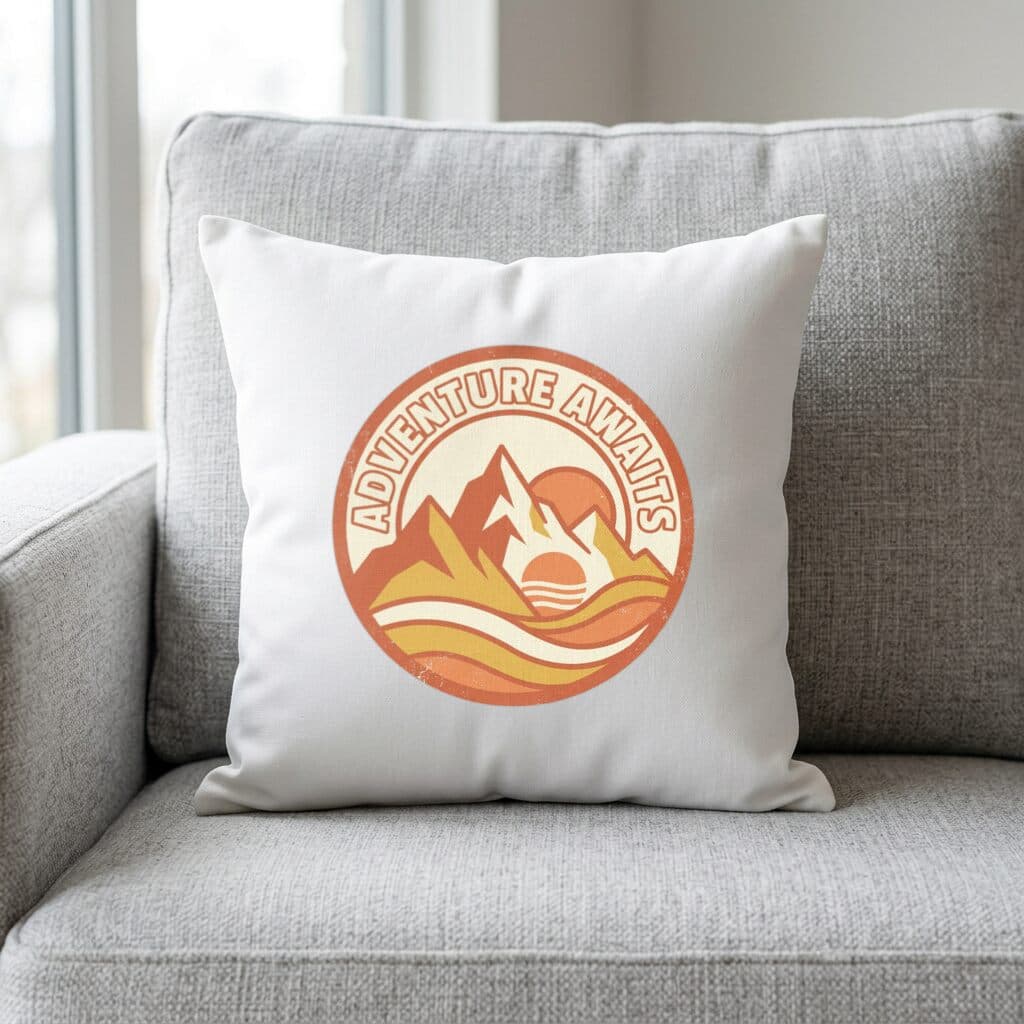
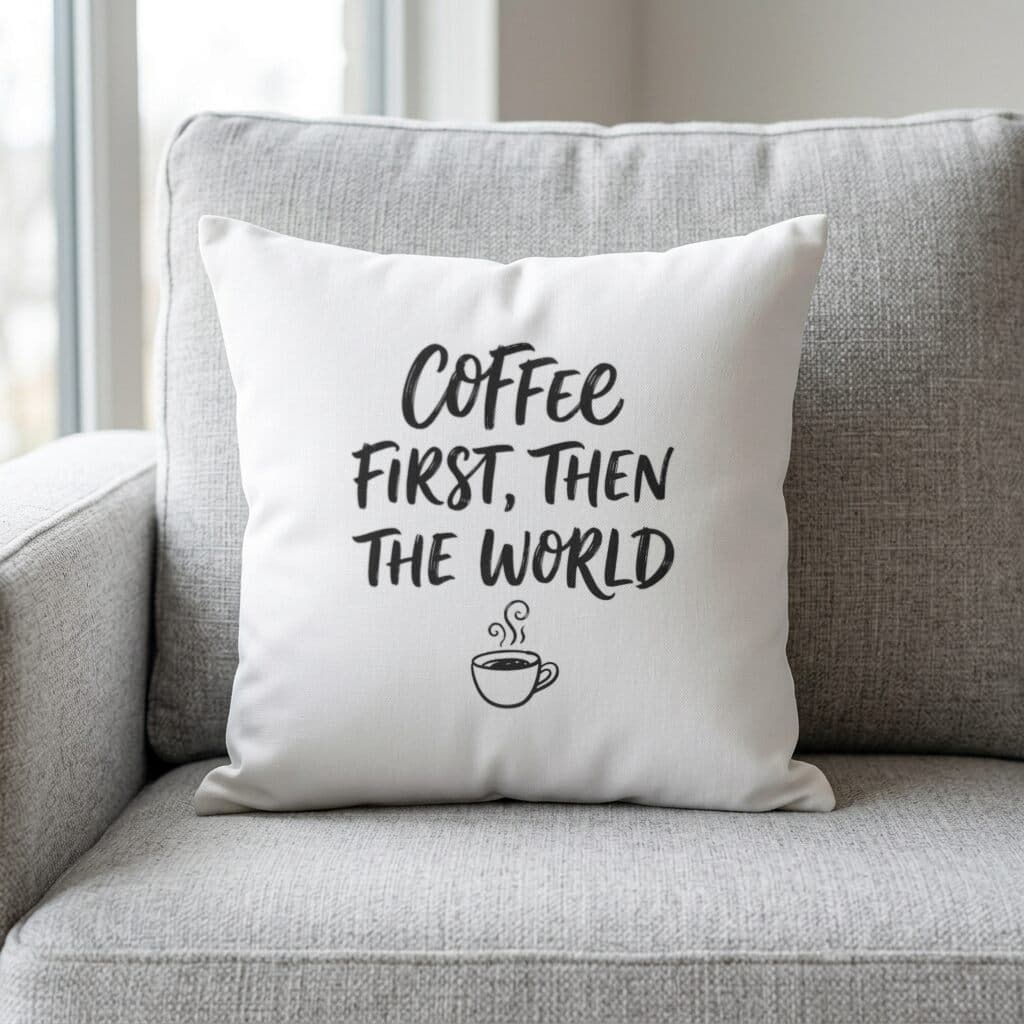
Sample designs are included with every account — try them before uploading your own.
What a pillow listing photo has to show
A pillow sells as part of a room, so a listing photo should show the design in a setting, at the right scale, on a soft surface that wrinkles a little. A flat pattern file does not convey that, and shoppers find it hard to picture a repeat print on fabric.
This category has one scene, a white pillow on a couch. The sections below cover the pillow types Printful sells, the file guidance for them, and how to prepare patterns so the printed cover matches the preview.
Pillow types and sizes at Printful
Printful's pillow page lists all-over-print Cotton, Basic, and Premium pillows from 14 x 14 inches to 22 x 22 inches. The Premium Pillow Case runs from 18 x 18 to 22 x 22, and the Custom Shaped Pillow from 10 x 10 to 22 x 22.
The Cotton version is 100% cotton, while Basic and Premium are 100% polyester. Cases can go in a washing machine, except the Custom Shaped pillow, which is spot wash only. The pillow is sewn after printing. Put these details into the listing, since buyers ask about washing before they ask about size.
Printify's pillow page describes single-sided and double-sided printing, so confirm which one your product uses before you design the back.
File guidance: DPI, color, and bleed
Printful asks for a PNG or JPEG file at a minimum of 150 DPI using the sRGB color profile. That is lower than the 300 DPI that is common for paper, so a pillow file does not need to be as large as a poster file. It still needs to be sharp enough for the size you sell, so check the template for the pixel dimensions of your size.
For an all-over print, Printful says to use a full-bleed design. For a partial print, upload with a transparent background so only the artwork is printed. Printify's general guide accepts JPEG, PNG, and SVG and recommends 300 DPI, with some products allowing lower, so check the pillow product page for the current number.
Since the cover is sewn after printing, download the template and read where the seams fall before you place key elements near an edge.
As a rough guide, 150 DPI works out to 2100 x 2100 pixels at 14 x 14 inches and 3300 x 3300 pixels at 22 x 22 inches. Those are arithmetic from the stated minimum, not provider-published pixel counts, so confirm the figure for your product against the template.
Common pillow design problems
Resolution is the problem with the strongest source. Printify's guide warns that a low-resolution file printed larger looks blurry, so a small export stretched to 22 x 22 inches will look soft. Work from the original artwork and export at the size of your largest pillow.
The next is a mismatch between print type and file. A pattern that should fill the front needs a full-bleed file. A single motif on a white square, uploaded as a full-bleed file, prints the white square as part of the design, which is rarely what the seller intended. If the motif should sit on the fabric color, use a transparent background.
Finally, check the color. Printify notes for blankets that colors look different on fabric than on a screen, and the same caution applies to a printed pillow cover. Ordering a sample is the reliable check.
How the white pillow couch scene helps
White Pillow — Couch puts the pattern on a pillow set on a couch, which is the typical home decor context. It works for botanical repeats, geometric patterns, and bold lettering, such as a short phrase on a lumbar-style cover.
Because there is only one scene, treat it as the context image and add a flat view of the pattern itself and a photo from a sample order. The set of three tells buyers what the pattern is, how it looks in a room, and what the fabric does.
If you sell the same pattern in several colorways, render each colorway as its own design in the batch. The couch scene then gives every variant the same lighting and angle, so the only thing that changes between images is the pattern, which makes the colors easier to compare in a thumbnail row.
Batch workflow, pricing, and marketplaces
Upload up to 50 patterns as PNG, JPEG, or WebP files of up to 20 MB each, tick the pillow scene, and generate. All renders arrive in one ZIP. After signing in, Try with a sample design lets you run one of three included designs before you upload anything; the gallery on this page shows each of them on the couch.
The Free plan watermarks renders and caps them at 512 px on the longest side. Pro removes the watermark and renders at full resolution for $15 / month or $99 / year.
Etsy's rules for listing images make an exception for stock mockups on print-on-demand goods, provided you designed the artwork and a production partner prints it. Rules on personalized items and image counts change, so read the current policy before listing.
Frequently asked questions
- What sizes can a Printful pillow be?
- Printful lists all-over-print Cotton, Basic, and Premium pillows from 14 x 14 to 22 x 22 inches, the Premium Pillow Case from 18 x 18 to 22 x 22, and the Custom Shaped Pillow from 10 x 10 to 22 x 22.
- What DPI does a pillow file need?
- Printful asks for PNG or JPEG at a minimum of 150 DPI in sRGB. Printify's general guide recommends 300 DPI, with lower accepted on some products.
- Full-bleed or transparent background?
- Use full-bleed for an all-over print. Use a transparent background for a partial print, so that only the artwork is printed on the fabric.
- Can I machine wash a printed pillow case?
- Printful says its cases are machine washable, and that the Custom Shaped pillow is spot wash only. Include the care note in your listing.
- Which fabric should I mention in the listing?
- Printful lists the Cotton pillow as 100% cotton and the Basic and Premium pillows as 100% polyester. State the one you sell, along with the washing instructions.
- Is a single pillow scene enough for a listing?
- It gives you the in-room view. Add a flat pattern view and a photo of a sample order, which shows the real fabric.
Sources
Related comparisons
More mockup categories
- T-shirt mockup generator for print-on-demand sellers
- Hoodie and sweatshirt mockup generator
- Tote bag mockup generator for print-on-demand shops
- Poster mockup generator: framed wall scenes, A2 to A4
- Canvas print mockup generator: wrap, bleed, 300 DPI
- Notebook mockup generator for stationery sellers
- Baby onesie and apron mockup generator
- Mug mockup generator for ceramic mug listings
- Sticker mockup generator: die-cut and kiss-cut previews
- Phone case mockup generator for white, black, and clear cases
- Drinkware mockup generator for bottles, tumblers, and cans
- Blanket mockup generator: DPI, sizes and flat lay scene
- Towel mockup generator for beach and bath towels
- Candle mockup generator for jar candle sellers
- Cap mockup generator for baseball cap sellers
More guides
Last verified: 2026-10-06